From Boxes to Bytes: Understanding Data Migration Through a House-Moving Analogy
Posted on Tuesday, August 26th, 2025
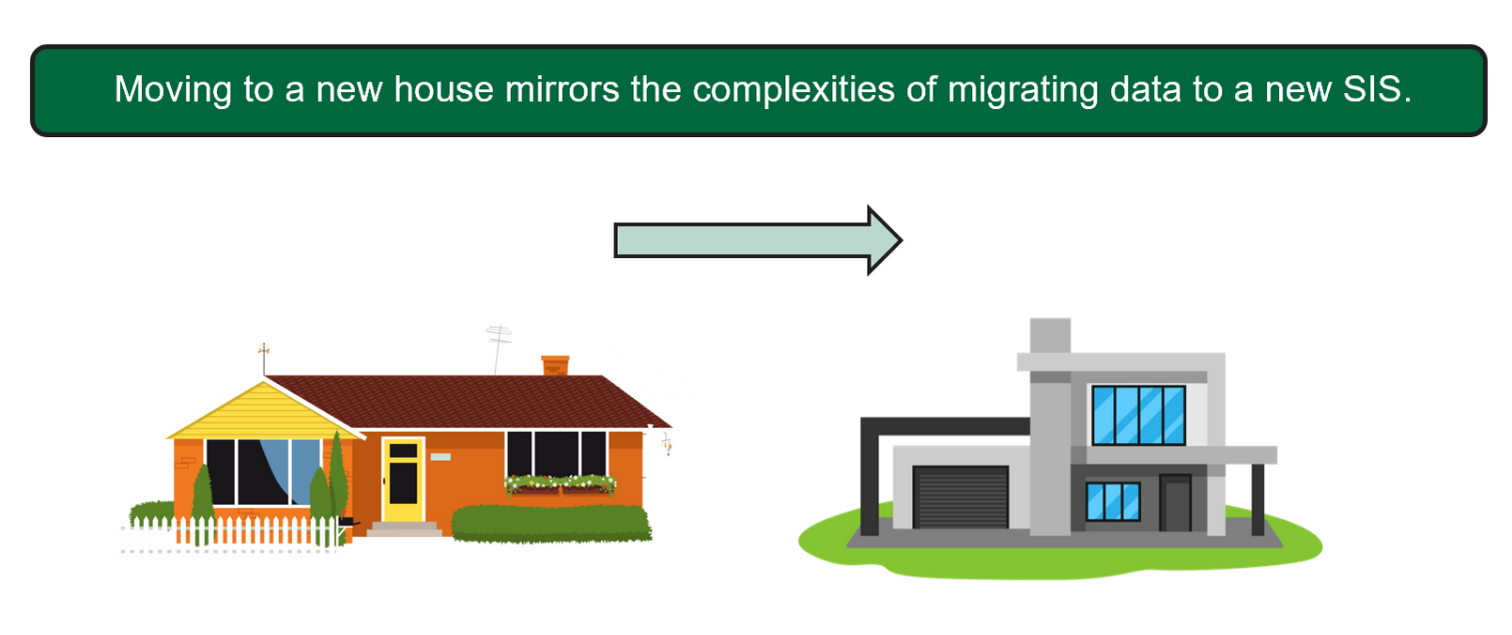
Imagine moving to a new home: it’s exciting, full of possibilities and, let’s be honest, a little overwhelming. Now imagine that instead of furniture and boxes, you’re packing up decades of student data and transporting it into a sleek, modern Student Information System (SIS). That’s exactly what the R3 Project’s Data Governance team is doing as we prepare to move from GeneSIS to Thesis SM.
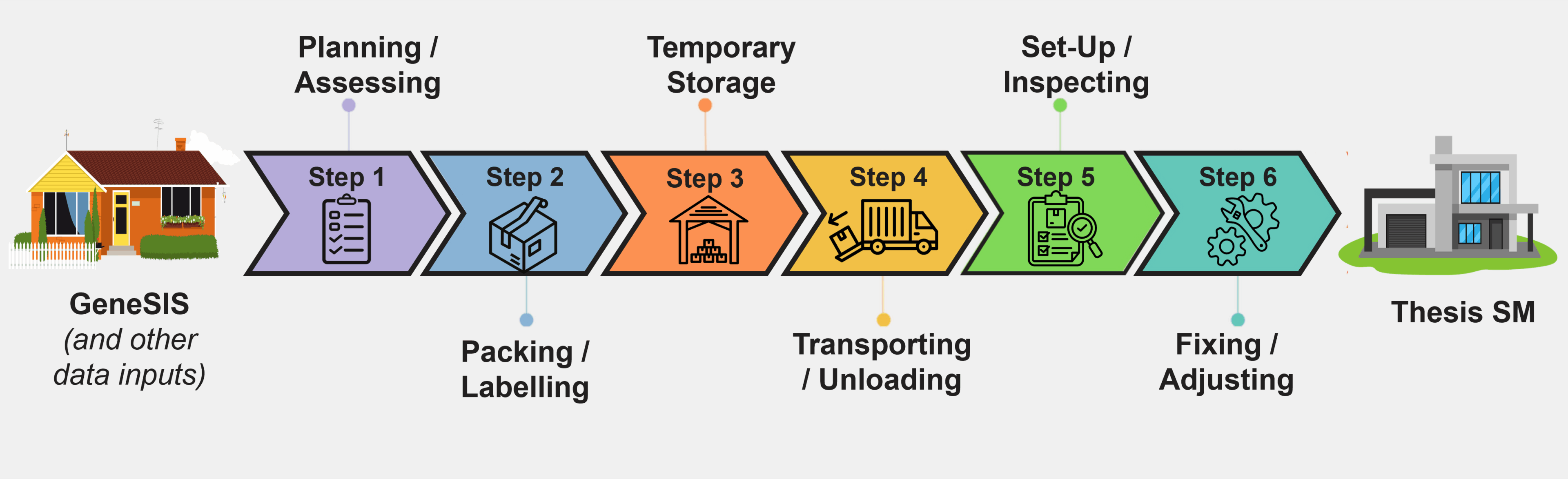
Just like a house move, Data Migration (DM) is a step-by-step process. Here’s a breakdown of how the analogy fits and what you should know about where we are in this important journey.
 |
Step 1. Planning & Assessing |
Just like evaluating your belongings before a move, we start by defining what data needs to make the move. This involves:
|
|
 |
Step 2. Packing & Labelling |
We extract “in-scope” data and organize it by:
|
|
 |
Step 3. Temporary Storage |
Before the big move, we temporarily store the data by:
|
|
 |
Step 4. Transporting & Unloading |
Just as movers safely transport your items, we do this with the data by:
|
|
 |
Step 5. Set-Up & Inspection |
After the boxes are unpacked, it’s time to test the lights and appliances. This involves:
|
|
 |
Step 6. Fixes & Adjustments |
If something broke in transit or didn’t quite fit, we fix it by:
|
Data Migration | What You Should Know
- Data Migration is not a ‘lift and shift’. Data is transformed before it is live in Thesis SM.
- No data gets deleted. Data that is not accessible in Thesis SM will be placed in long-term storage.
- There will be a ‘dress rehearsal’ DM before Go-Live and a final DM during Go-Live.
To date, the Data Governance team has successfully completed 21 Data Migrations, representing 78 million student records. There is 1 migration left in the Personalize phase, along with two migrations scheduled to occur in both the Integrated System Testing (IST) and User Acceptance Testing (UAT) phases of the project.
To summarize, moving to Thesis SM isn’t just a system upgrade. It’s a fundamental shift in how we manage and protect our institutional data. Like any good move, it takes planning, precision, and teamwork. With every successful Data Migration, we’re one step closer to settling into our new digital home.
A special thanks to Graham Smith, Project Manager, Data Governance, for his expertise and for creating the house-moving analogy that helps make Data Migration easier to understand!
*
Are you excited or have questions about the launch of the new SIS? Let us know by sending us a message. And before you go, make sure to sign up for the next R3 Showcase Event to learn more about the R3 Project.
- Posted in
- News R3