Glossary

The College is not only introducing a new Student Information System (SIS), but also re-imagining our businesses processes. A new SIS and new business processes means you’ll be hearing new terms as we journey through this Business Transition together.

This glossary includes terms for the new SIS called Thesis SM and for the development and implementation of the new SIS called the R3 Project.

*You can filter terms by topic, use the search, or casually scroll through our list of new terms.
TermDefinitionTopic
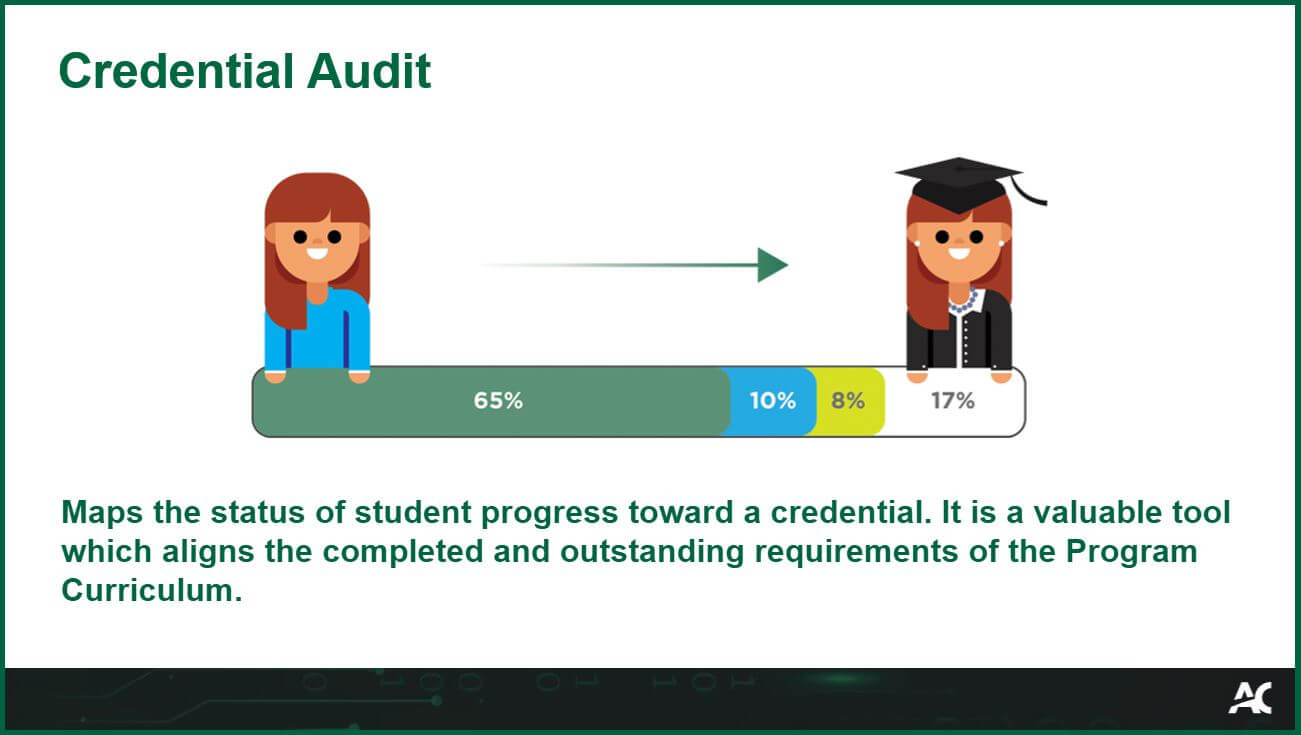
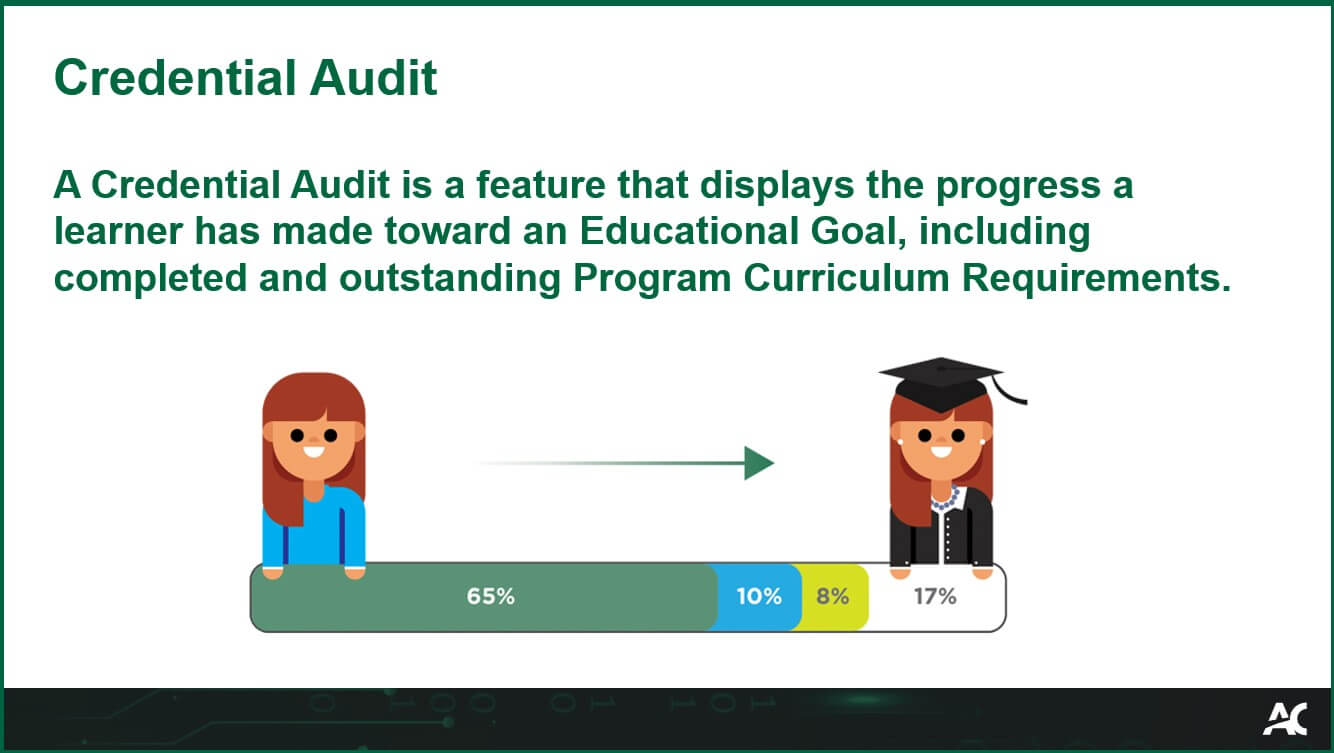
Credential AuditA Credential Audit is a feature that displays the progress a learner has made toward an Educational Goal, including completed and outstanding Program Curriculum Requirements.

A Credential Audit is a feature that displays the progress a learner has made toward an Educational Goal, including completed and outstanding Program Curriculum Requirements.
Thesis
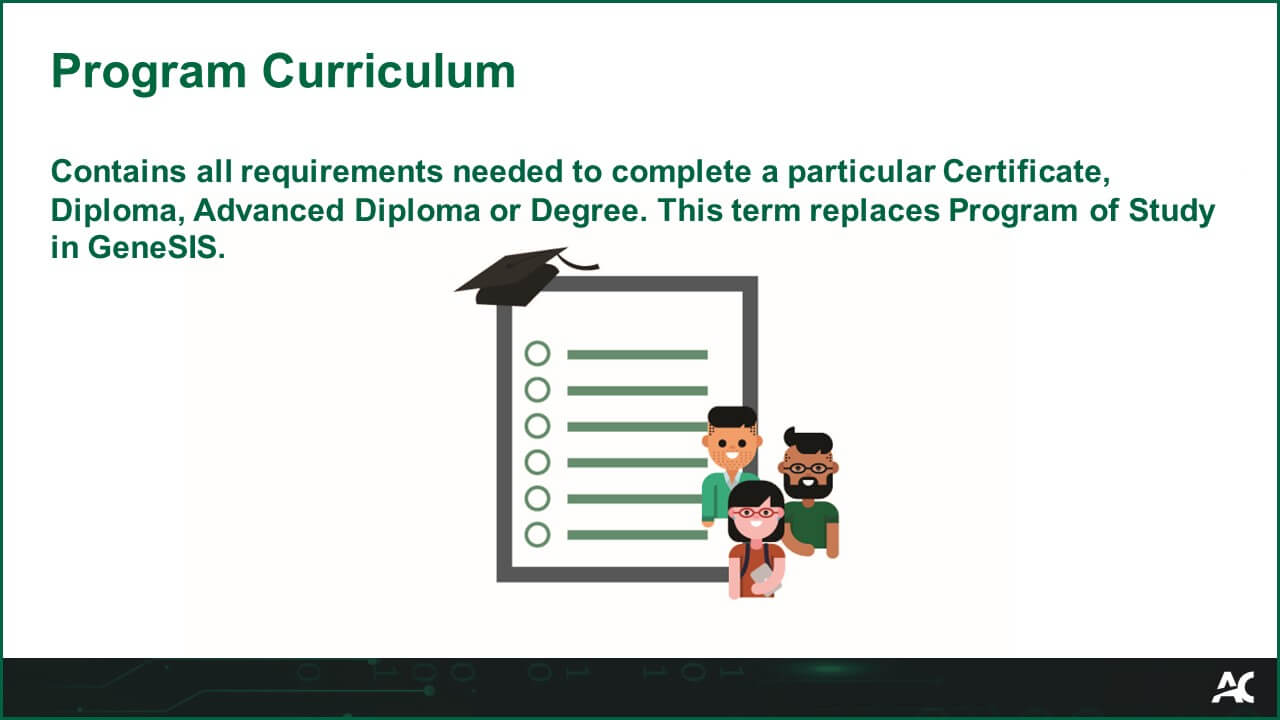
Program Curriculum

Contains all requirements needed to complete a particular Certificate, Diploma, Advanced Diploma or Degree. This term replaces Program of Study in GeneSIS.
Program Curriculum Glossary Image

Thesis
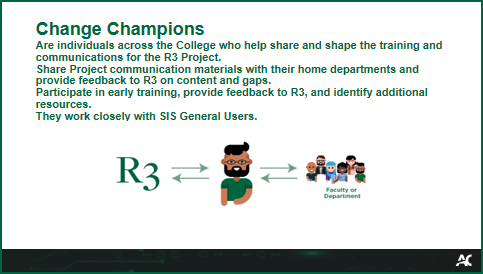
Change Champions

Are individuals across the College who help share and shape the training and communications for the R3 Project.

Share Project communication materials with their home departments and provide feedback to R3 on content and gaps. 

Participate in early training, provide feedback to R3, and identify additional resources. 

They work closely with SIS General Users. 

R3 Project
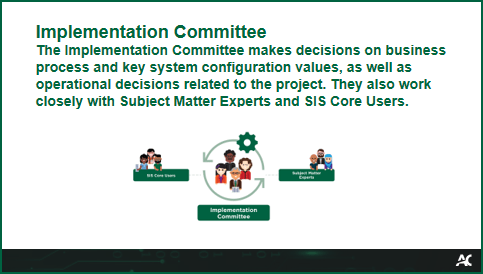
Implementation Committee

The Implementation Committee makes suggestions on business processes and key system configuration values, as well as operational suggestions related to the project. They also work closely with Subject Matter Experts and SIS Core Users.

R3 Project
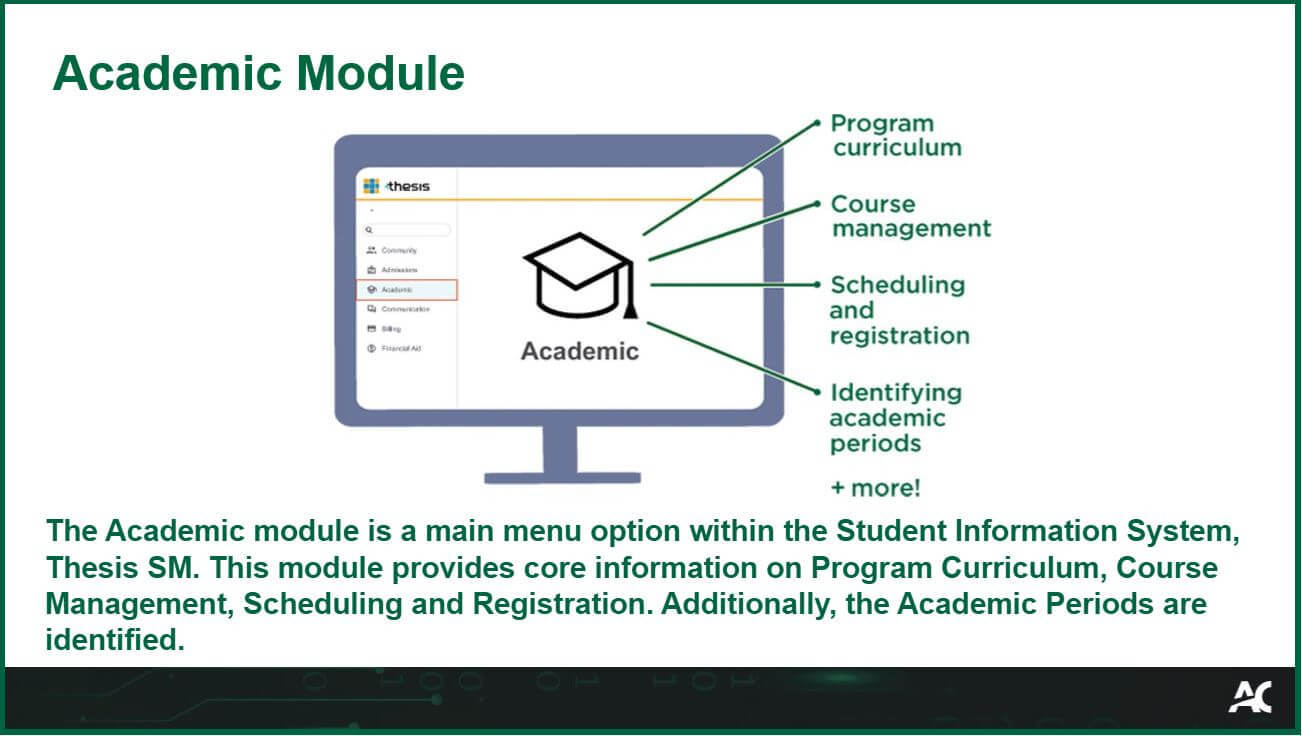
Academic ModuleThe Academic module is a main menu option within the Student Information System, Thesis SM. This module provides core information on Program Curriculum, Course Management, Scheduling and Registration. Additionally, the Academic Periods are identified.

Thesis
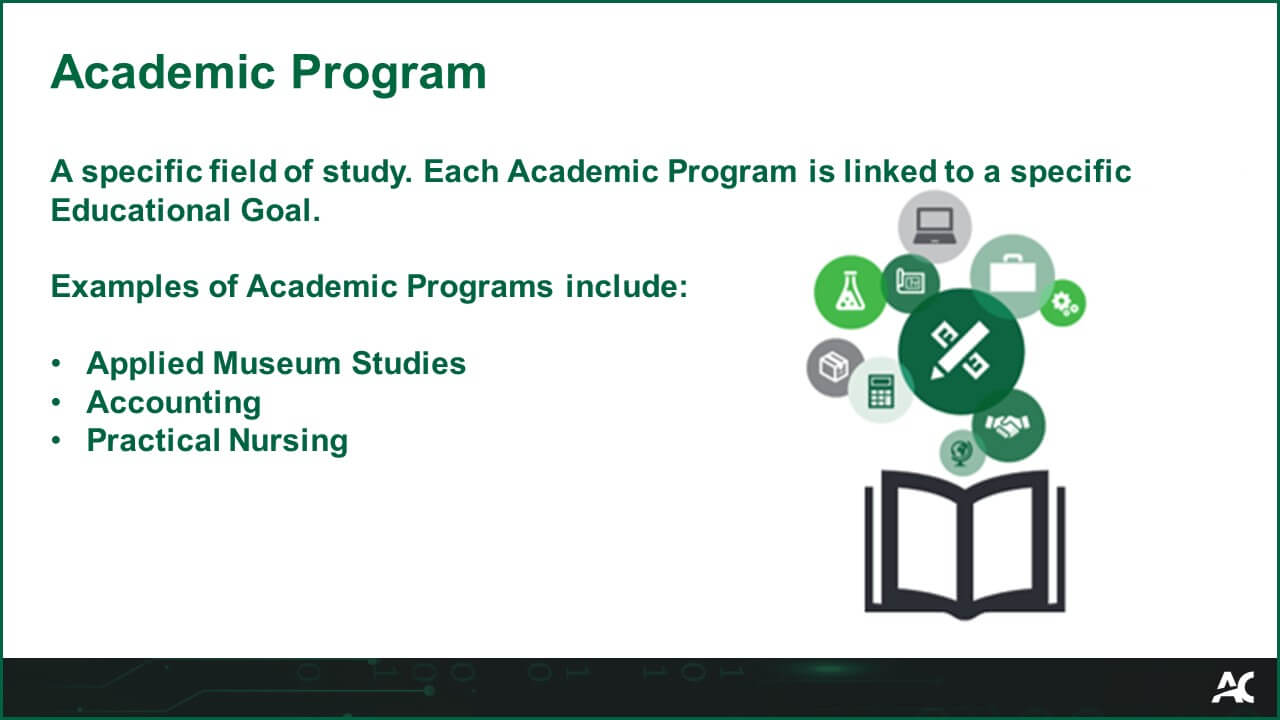
Academic Program
A specific field of study. Each Academic Program is linked to a specific Educational Goal.
Examples of Academic Programs include:
  • Applied Museum Studies
  • Accounting
  • Practical Nursing

Thesis
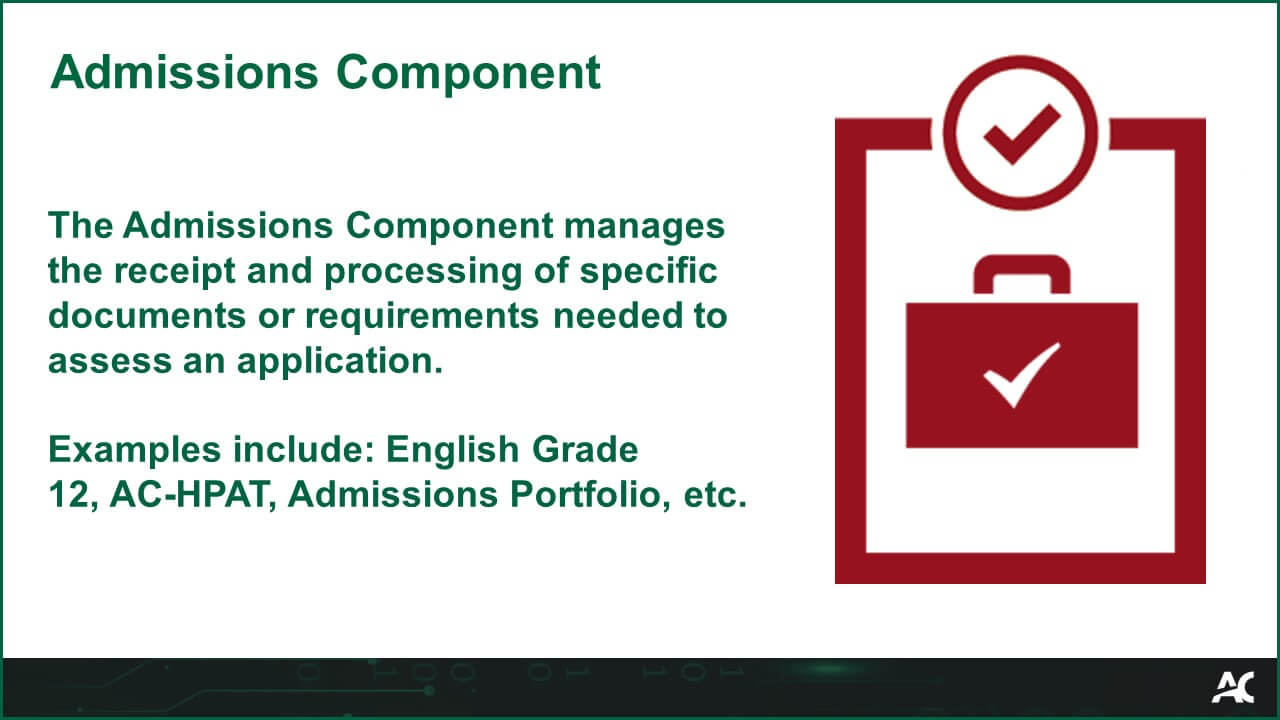
Admissions ComponentThe Admissions Component manages the receipt and processing of specific documents or requirements needed to assess an application.

Examples: English Grade 12, AC-HPAT, Admissions Portfolio, etc.

Admissions Component Glossary Image
Thesis
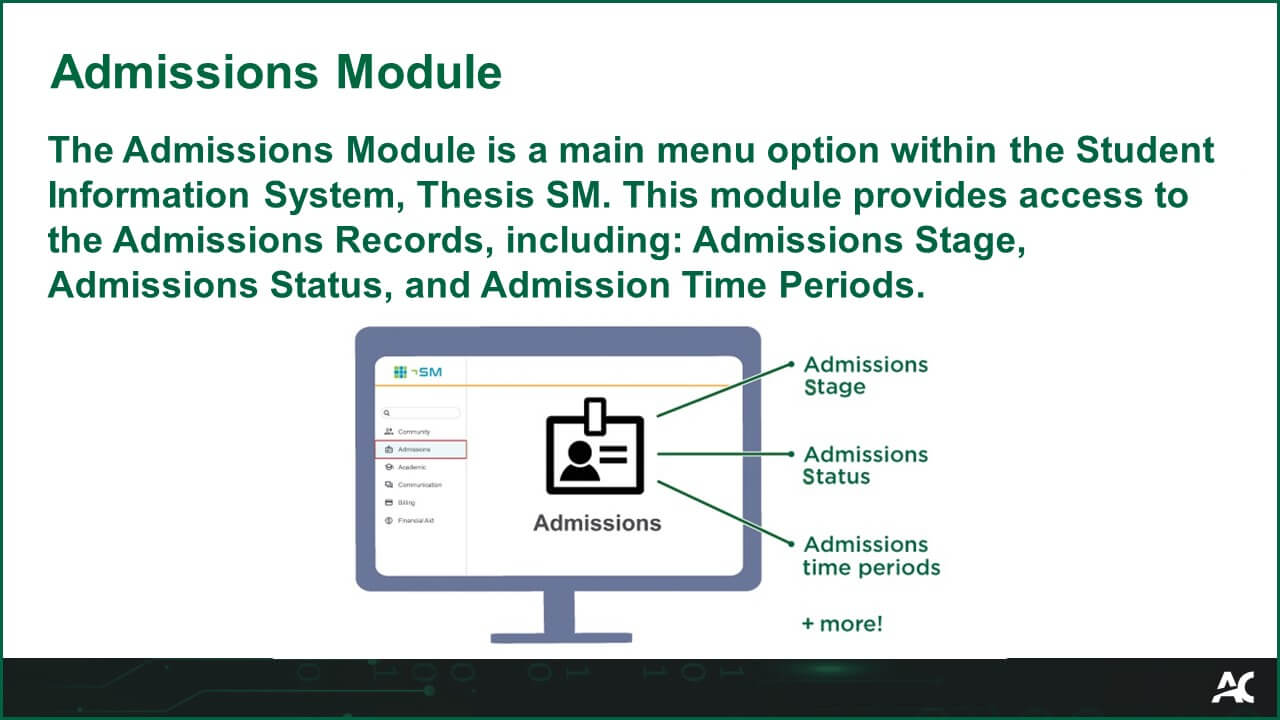
Admissions ModuleThe Admissions Module is a main menu option within the Student Information System, Thesis SM. This module provides access to the Admissions Records, including: Admissions Stage, Admissions Status, and Admission Time Periods.

Admissions Module Glossary Image
Thesis
Admissions RecordThe Admissions Record is created in Thesis SM after a prospective student submits their application either via Ontario Colleges or Salesforce.

The Admissions Record houses all information required to process an application. This information can include the program, campus, delivery method, and much more.

Admissions Record Glossary Image
Thesis
Admissions Stage

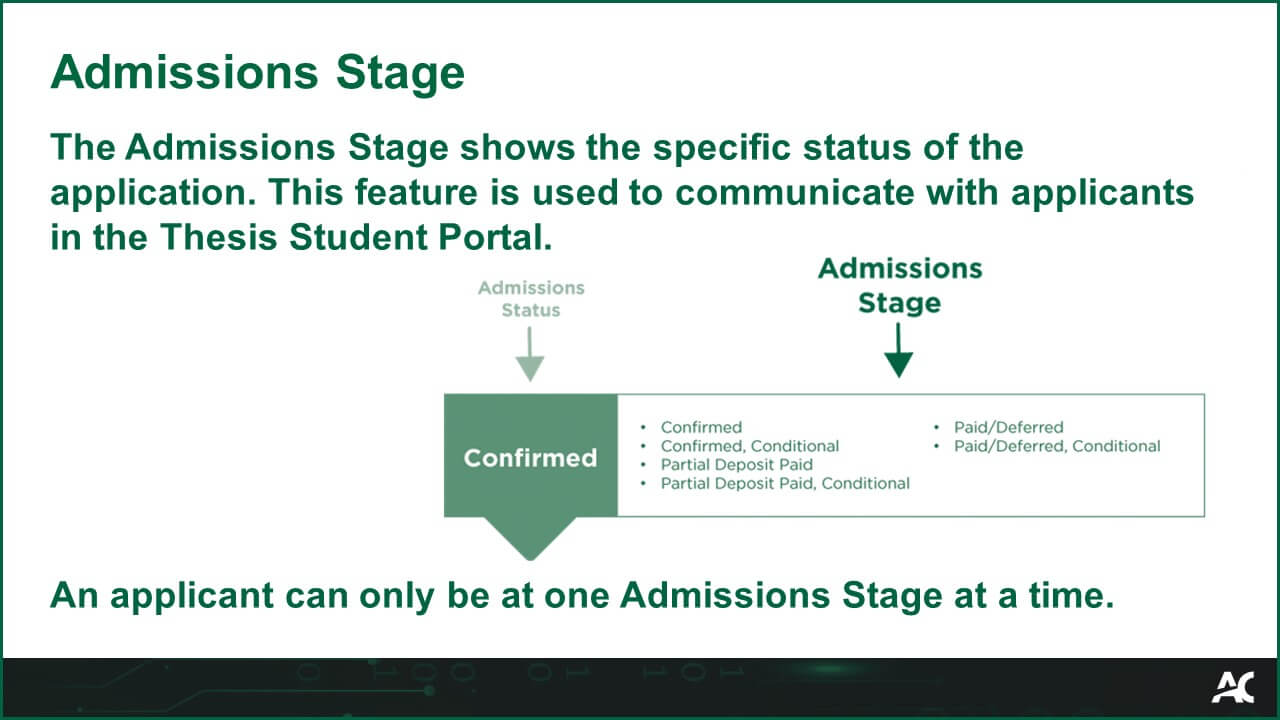
The Admissions Stage shows the specific status of the application. This feature is used to communicate with applicants in the Thesis Student Portal. 

An applicant can only be at one Admissions Stage at a time. 

Admissions Stage Glossary Image
Thesis
Admissions Status

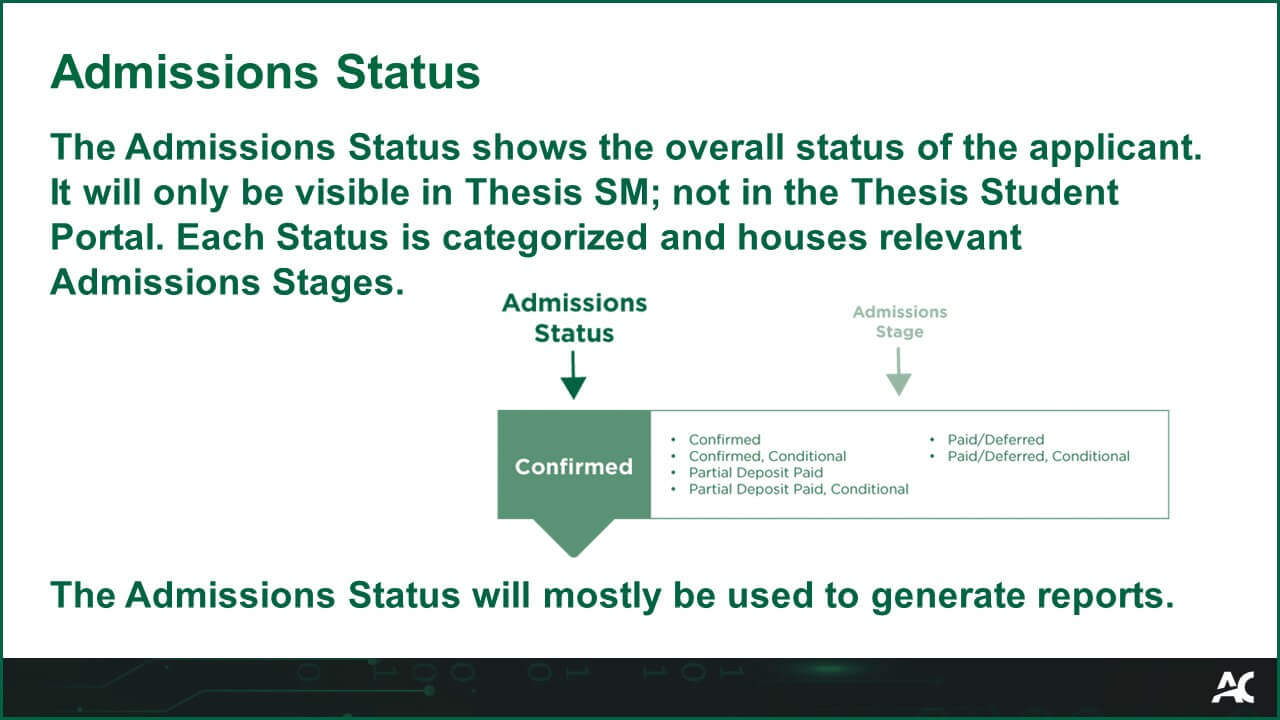
The Admissions Status shows the overall status of the applicant. It will only be visible in Thesis SM; not in the Thesis Student Portal. Each Status is categorized and houses relevant Admissions Stages. 
 
The Admissions Status will mostly be used to generate reports. 

Admissions Status Glossary Image
Thesis
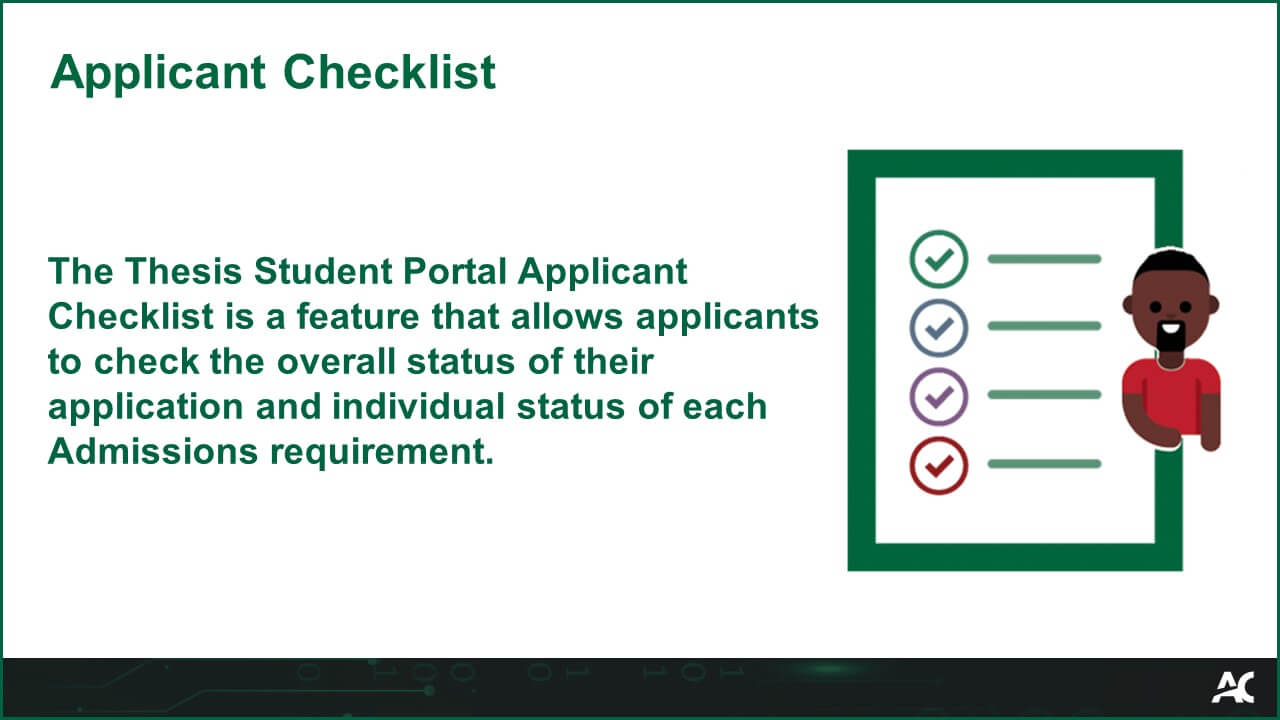
Applicant ChecklistThe Thesis Student Portal Applicant Checklist is a feature that allows applicants to check the overall status of their application and individual status of each Admissions requirement.

Applicant Checklist Glossary Image
Thesis
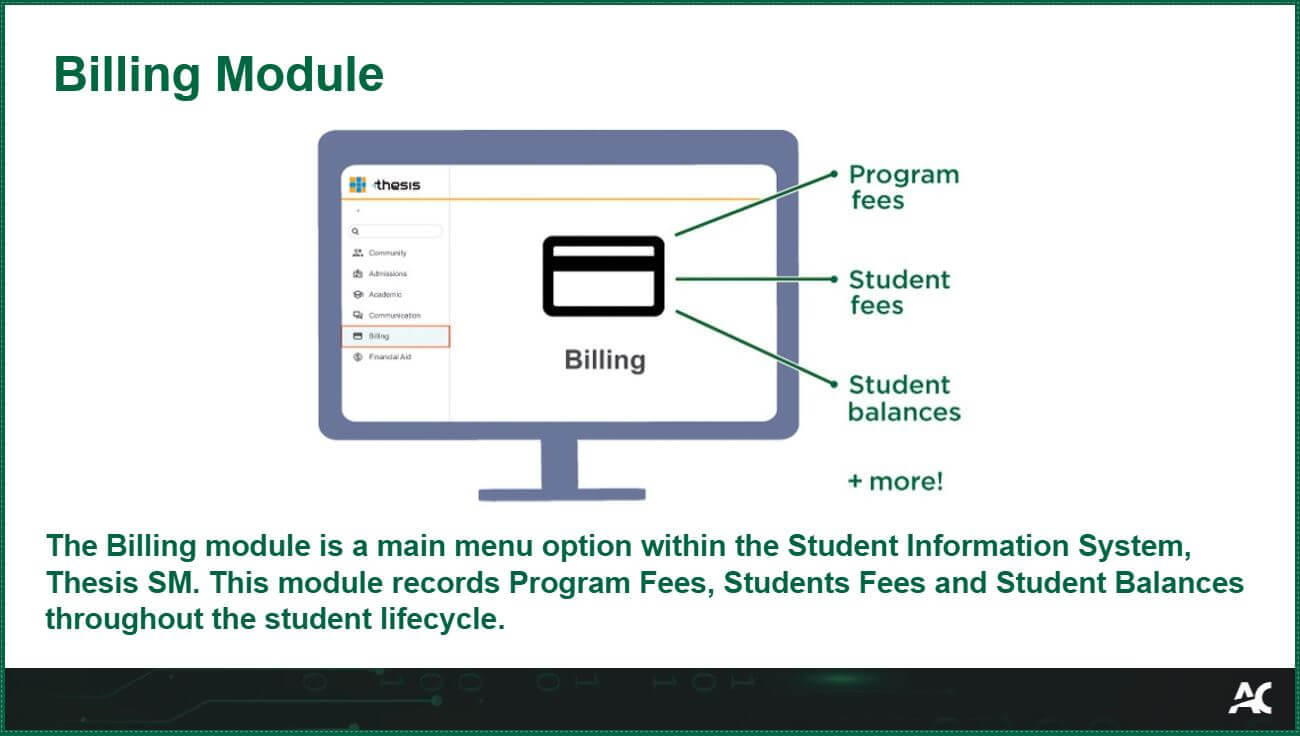
Billing ModuleThe Billing module is a main menu option within the Student Information System, Thesis SM. This module records Program Fees, Students Fees and Student Balances throughout the student lifecycle.

Thesis
Co-requisite

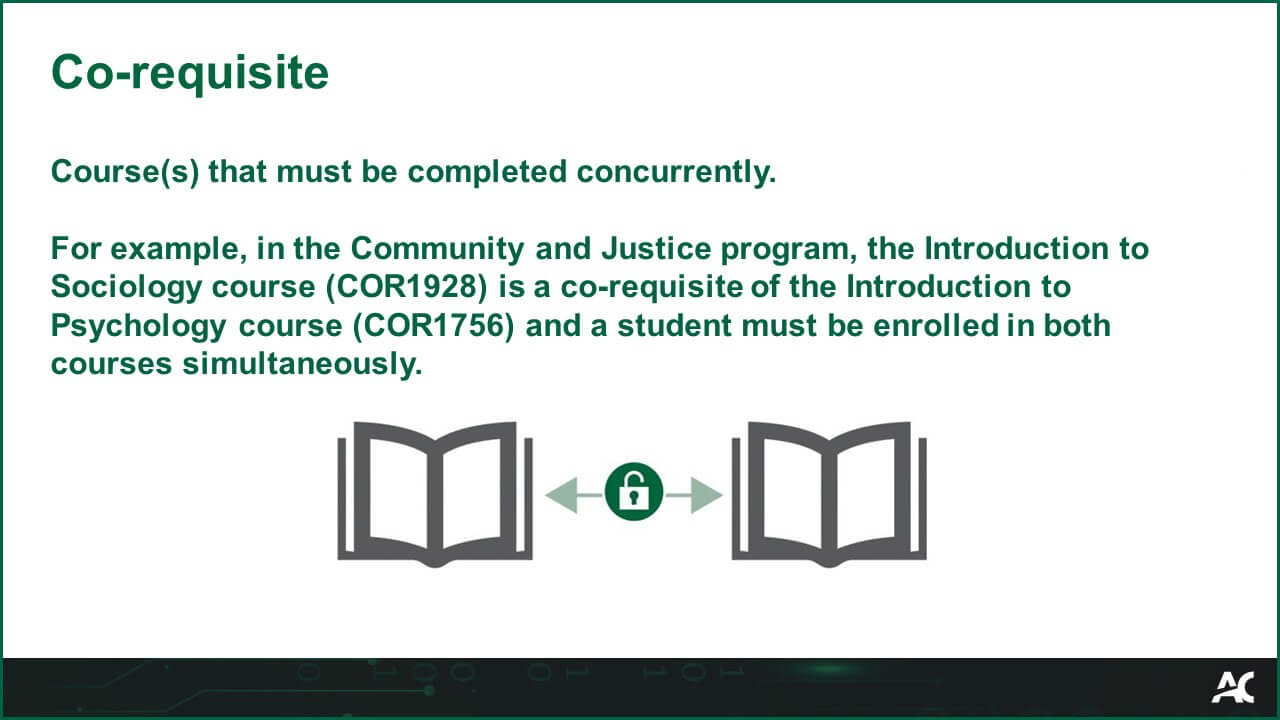
Course(s) that must be completed concurrently. 
 
For example, in the Community and Justice program, the Introduction to Sociology course (COR1928) is a co-requisite of the Introduction to Psychology course (COR1756) and a student must be enrolled in both courses simultaneously. 
Co-requisite Glossary Image

Thesis
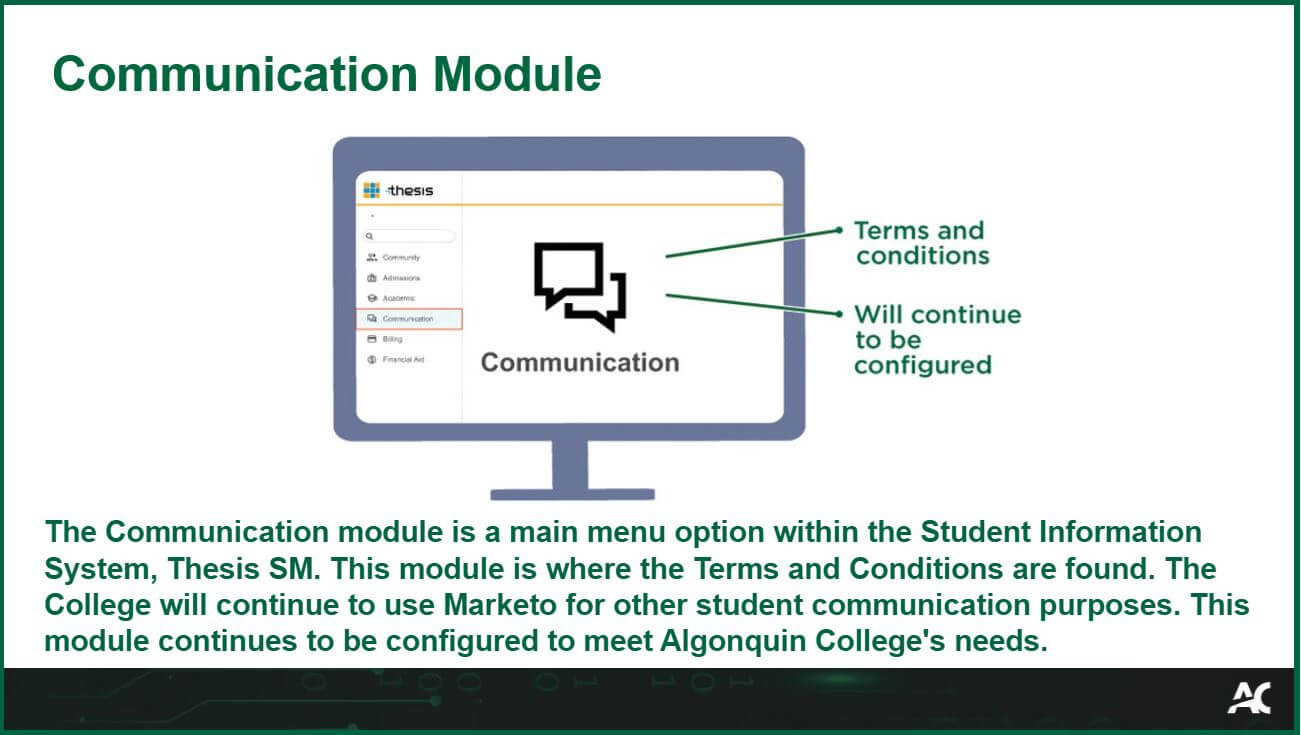
Communication ModuleThe Communication module is a main menu option within the Student Information System, Thesis SM. This module is where the Terms and Conditions are found. The College will continue to use Marketo for other student communication purposes. This module continues to be configured to meet Algonquin College’s needs.


Thesis
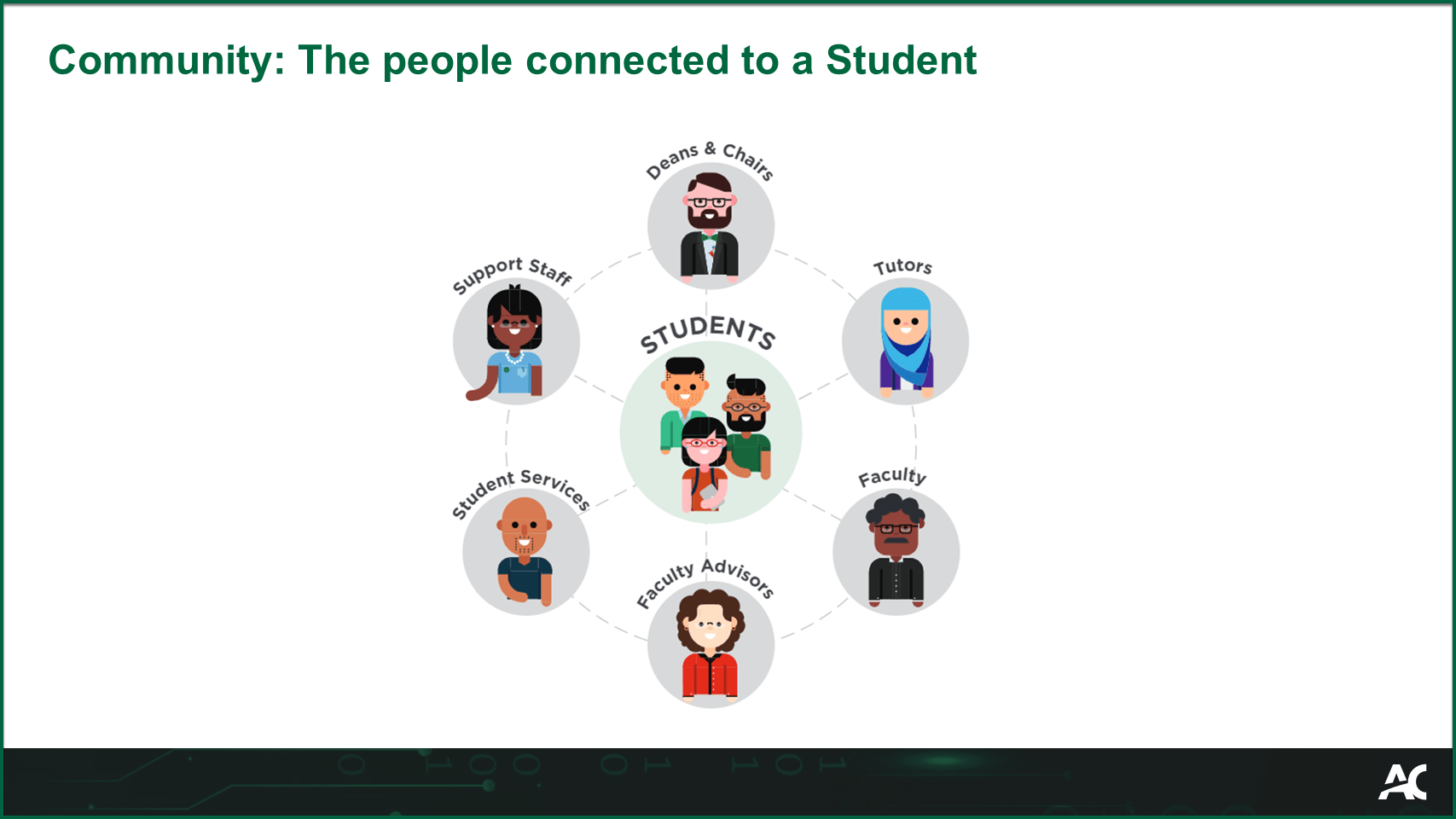
Community

The people connected to a student.
Examples:

  • Support Staff
  • Deans & Chairs
  • Tutors
  • Faculty
  • Course Facilitators
  • Faculty Advisors
  • Student Services
  • Support Staff

Thesis
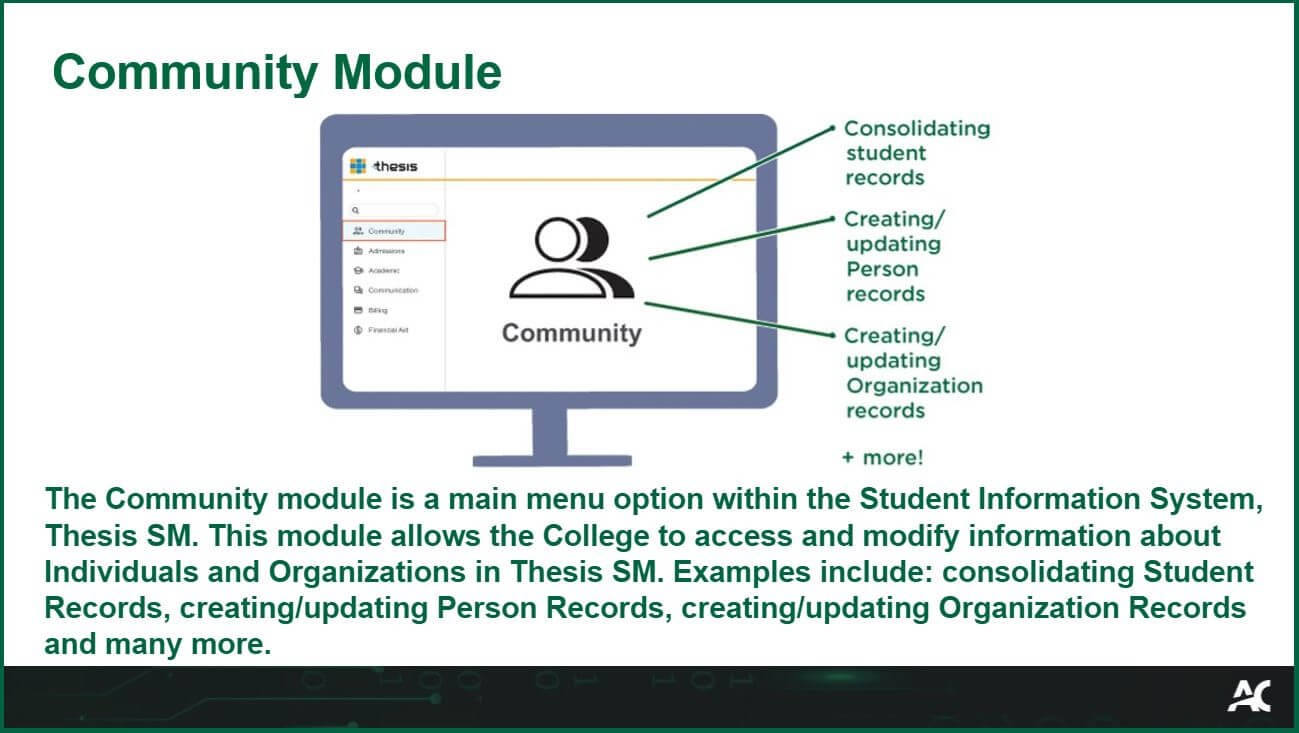
Community ModuleThe Community module is a main menu option within the Student Information System, Thesis SM. This module allows the College to access and modify information about Individuals and Organizations in Thesis SM. Examples include: consolidating Student Records, creating/updating Person Records, creating/updating Organization Records and many more.

Thesis
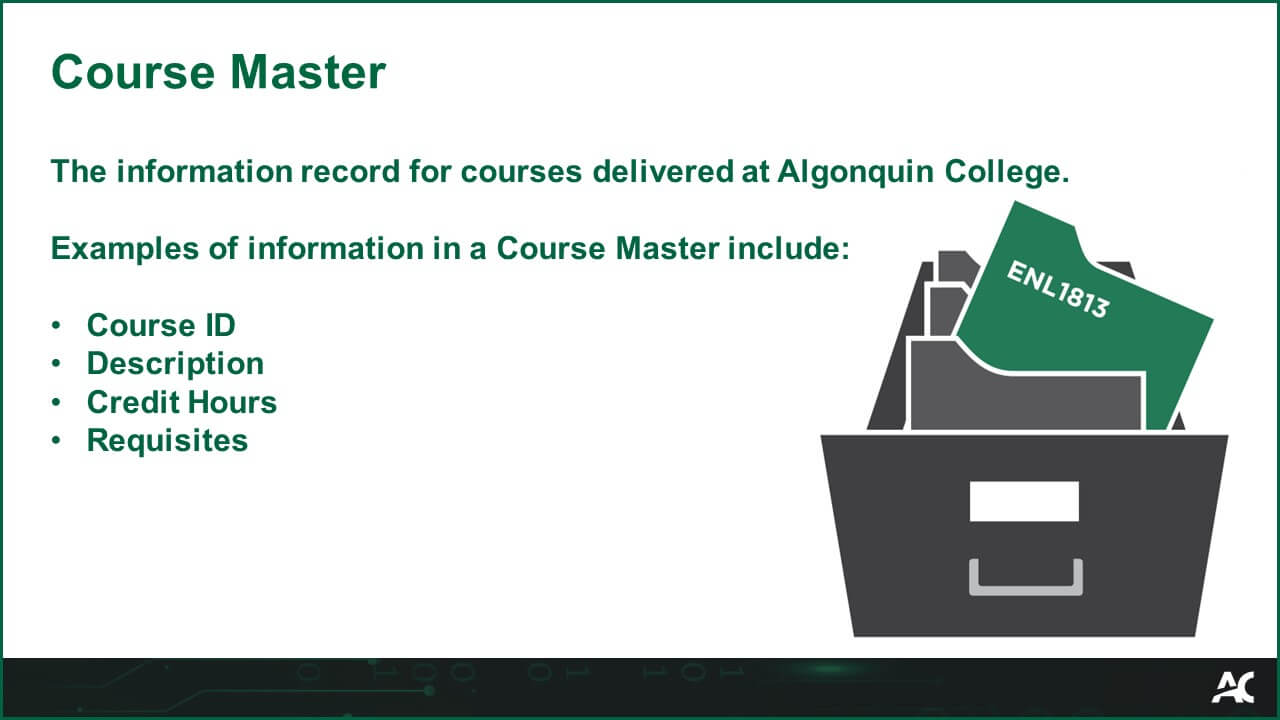
Course Master

The information record for courses delivered at Algonquin College. 

Examples of information in a Course Master include:  

  • Course ID
  • Description
  • Credit hours
  • Requisites

Thesis
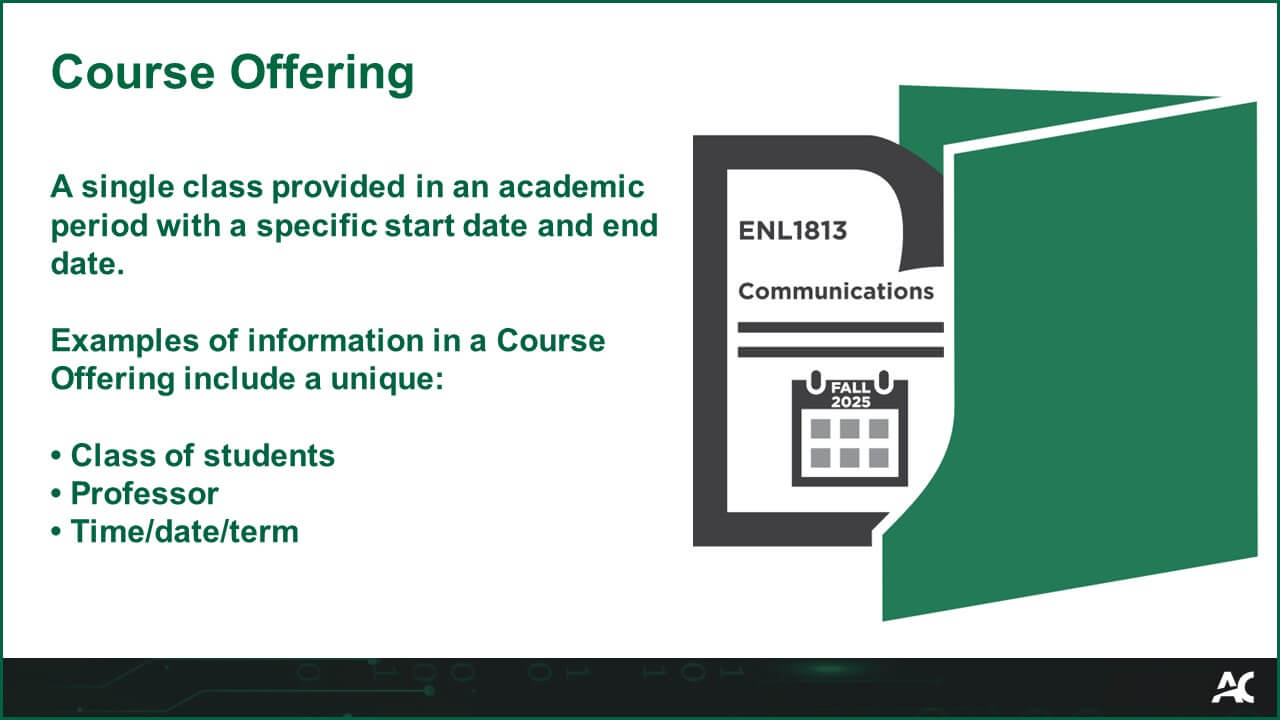
Course Offering

A single class provided in an academic period with a specific start date and end date. 

Examples of information in a Course Offering include a unique: 

  • Class of students 
  • Professor 
  • Time/date/term 

Thesis
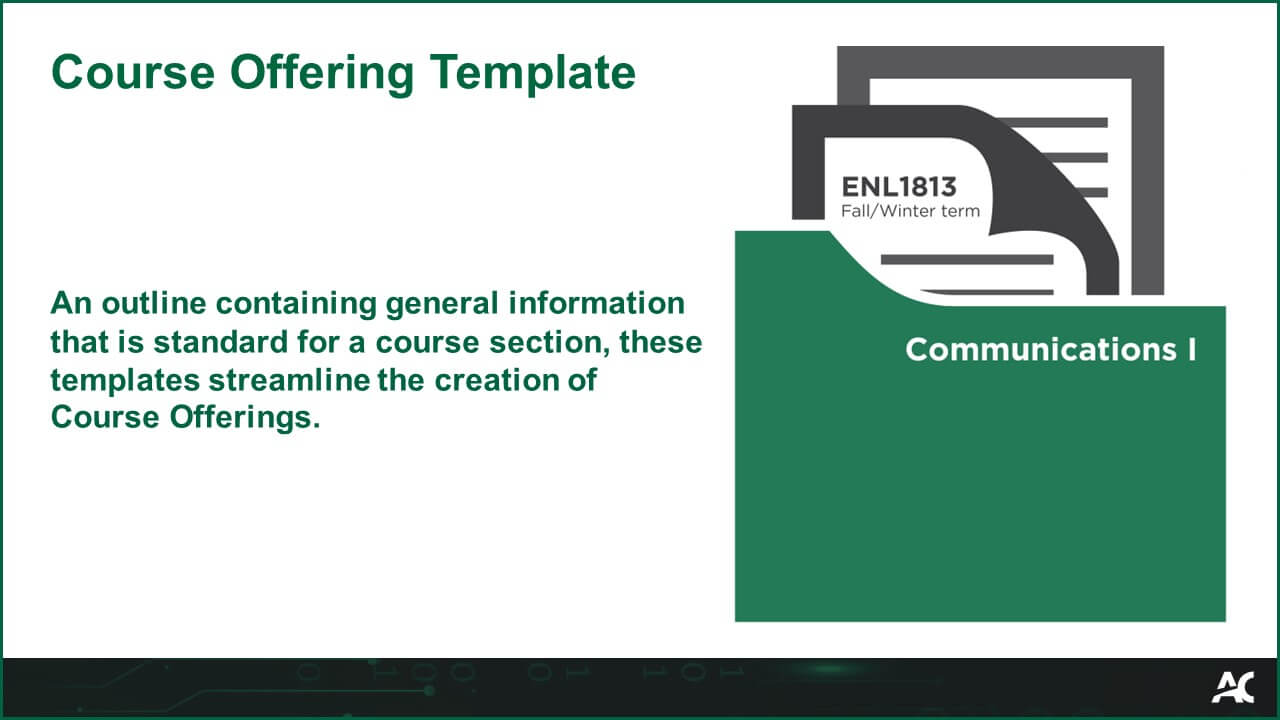
Course Offering Template

An outline containing general information that is standard for a course section, these templates streamline the creation of Course Offerings.

Course Offering Template

Thesis
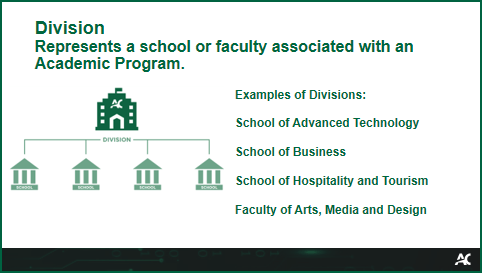
Division

Represents a school or faculty associated with an Academic Program.

Examples:

  • School of Advanced Technology
  • School of Business
  • School of Hospitality and Tourism
  • Faculty of Arts, Media and Design

Thesis
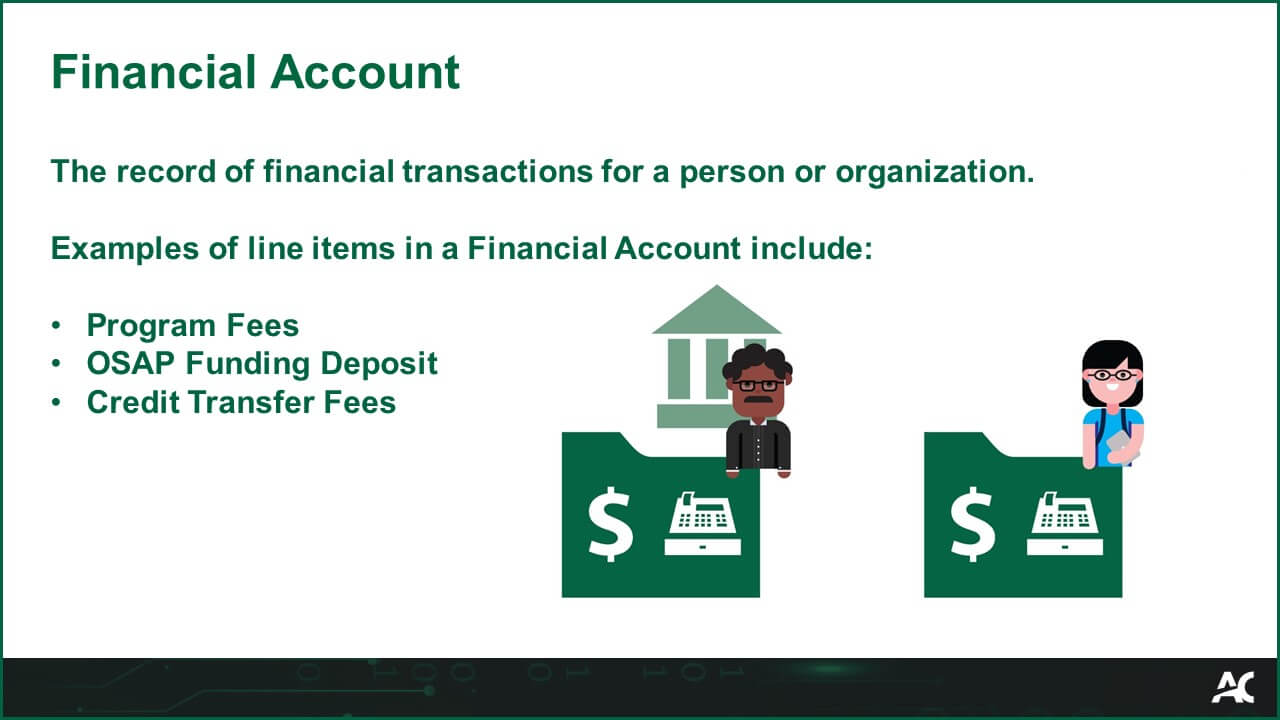
Financial AccountThe record of financial transactions for a person or organization.

Examples of line items in a Financial Account include:
  • Program Fees
  • OSAP Funding Deposit
  • Credit Transfer Fees
Thesis
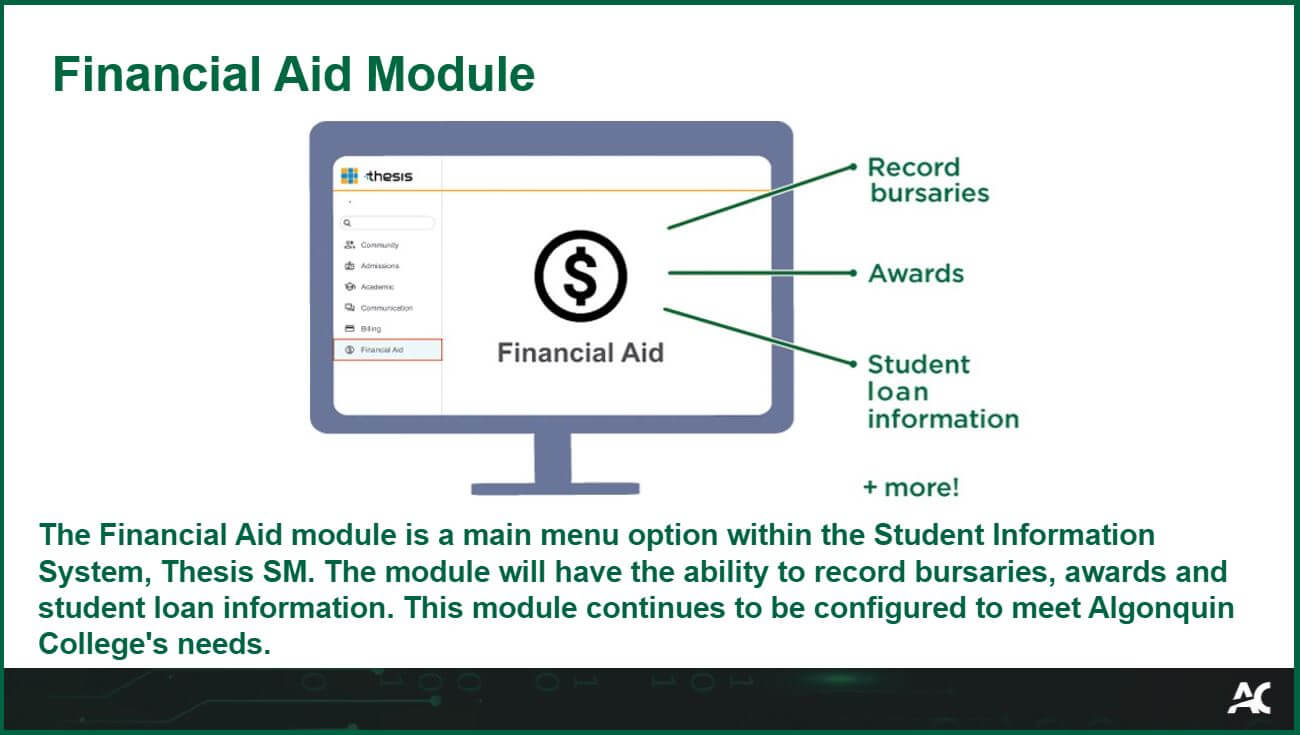
Financial Aid ModuleThe Financial Aid module is a main menu option within the Student Information System, Thesis SM. The module will have the ability to record bursaries, awards and student loan information. This module continues to be configured to meet Algonquin College’s needs.

Thesis
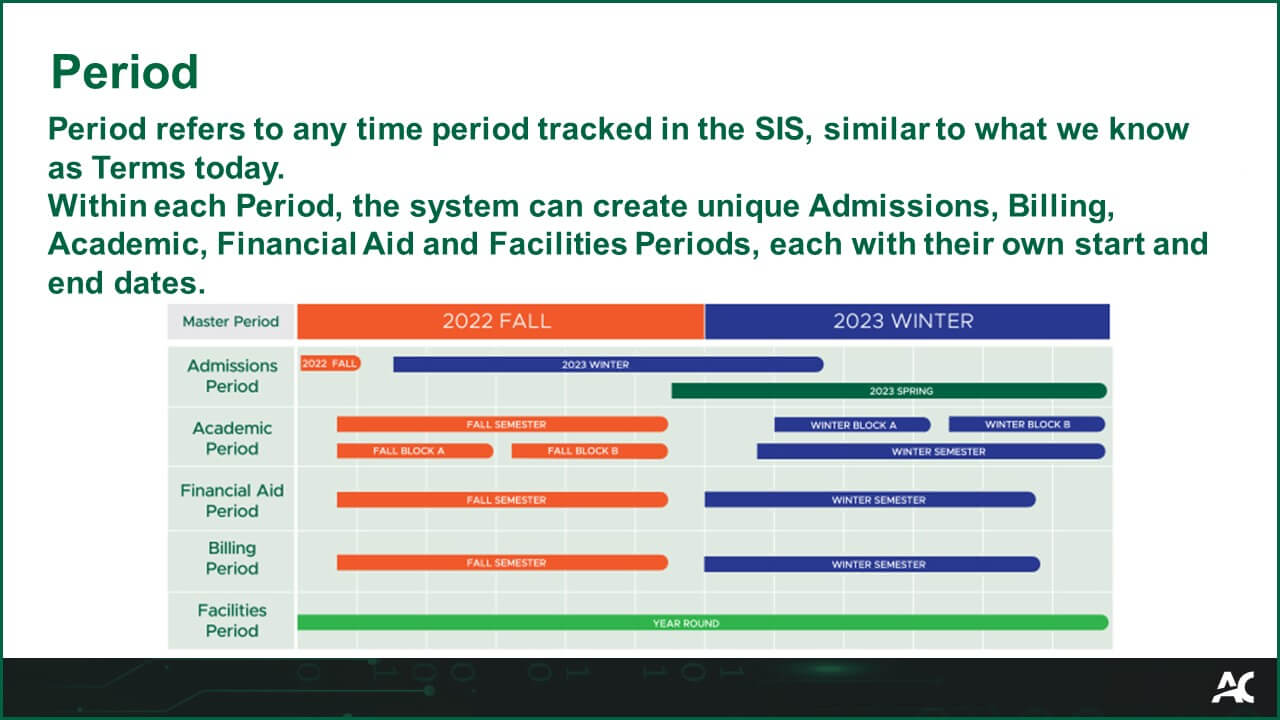
Period

Period refers to any time period tracked in the SIS, similar to what we know as Terms today. Within each Period, the system can create unique Admissions, Billing, Academic, Financial Aid and Facilities Periods, each with their own start and end dates.​
Period Glossary Image

Thesis
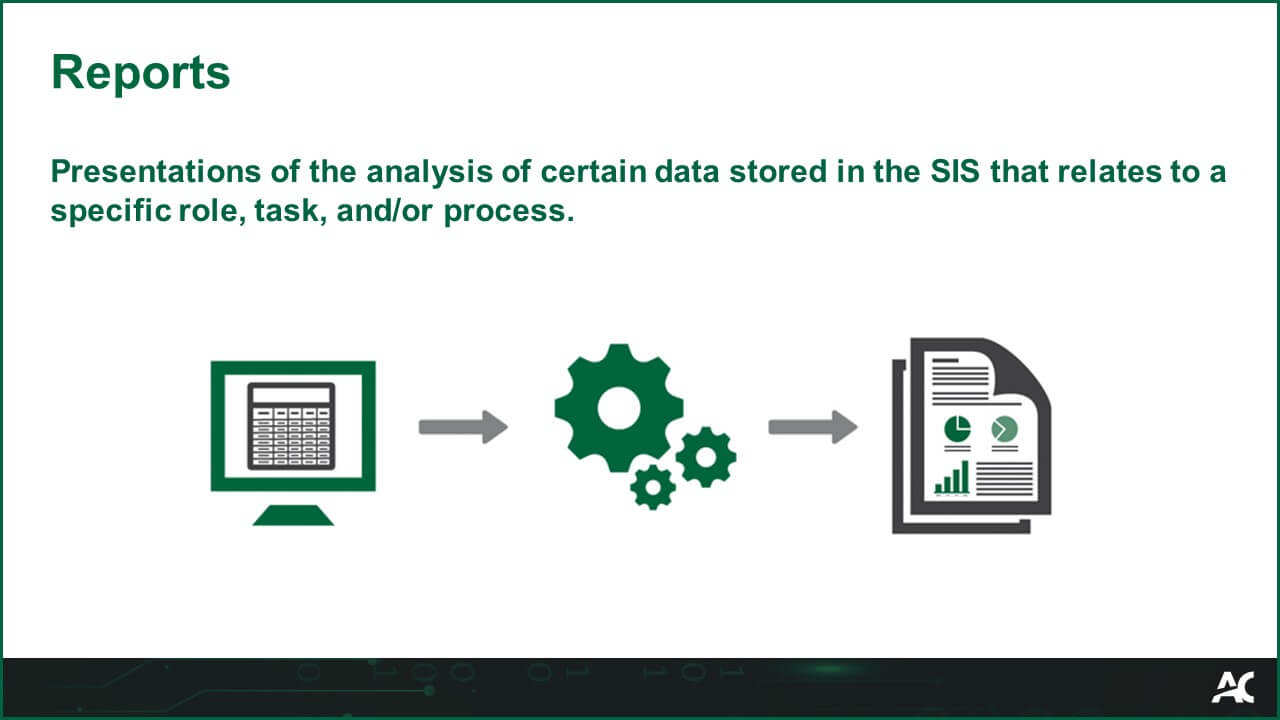
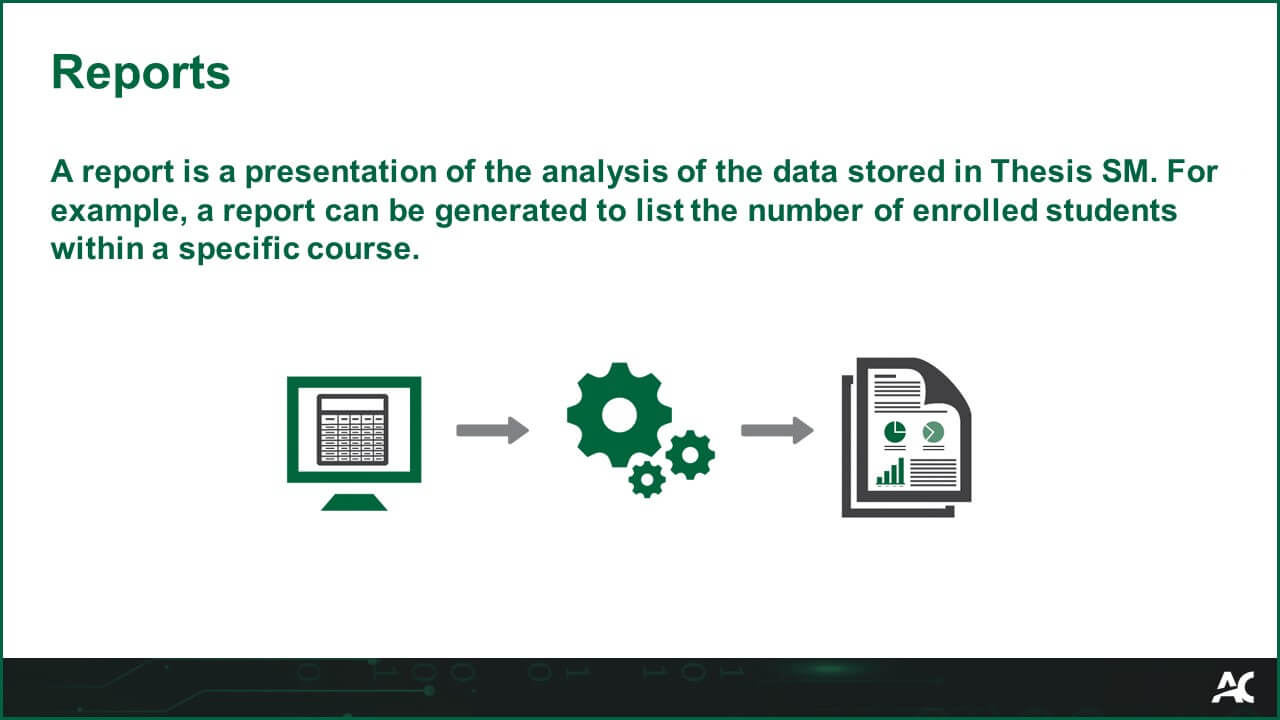
ReportsPresentations of the analysis of certain data stored in the SIS that relates to a specific role, task, and/or process.

Thesis
Software Automation

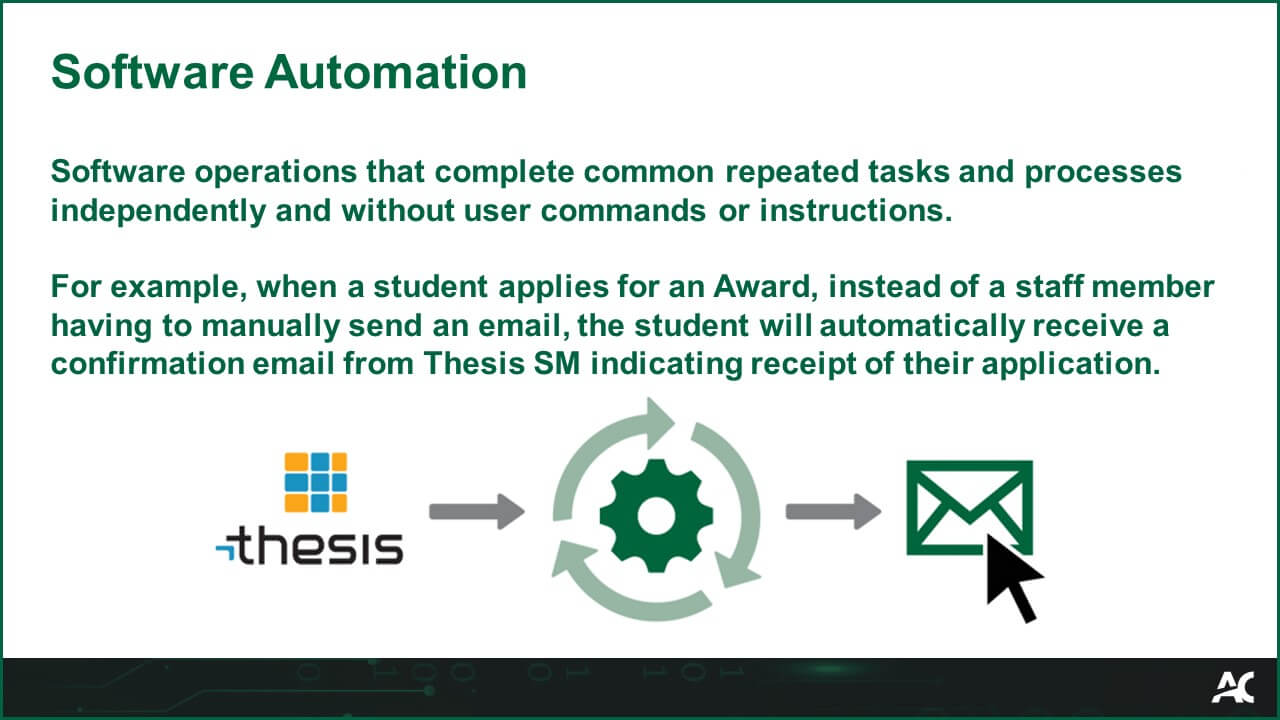
Software operations that complete common repeated tasks and processes independently and without user commands or instructions.

For example, when a student applies for an Award, instead of a staff member having to manually send an email, the student will automatically receive a confirmation email from Thesis SM indicating receipt of their application.


Thesis
Student Academic Record

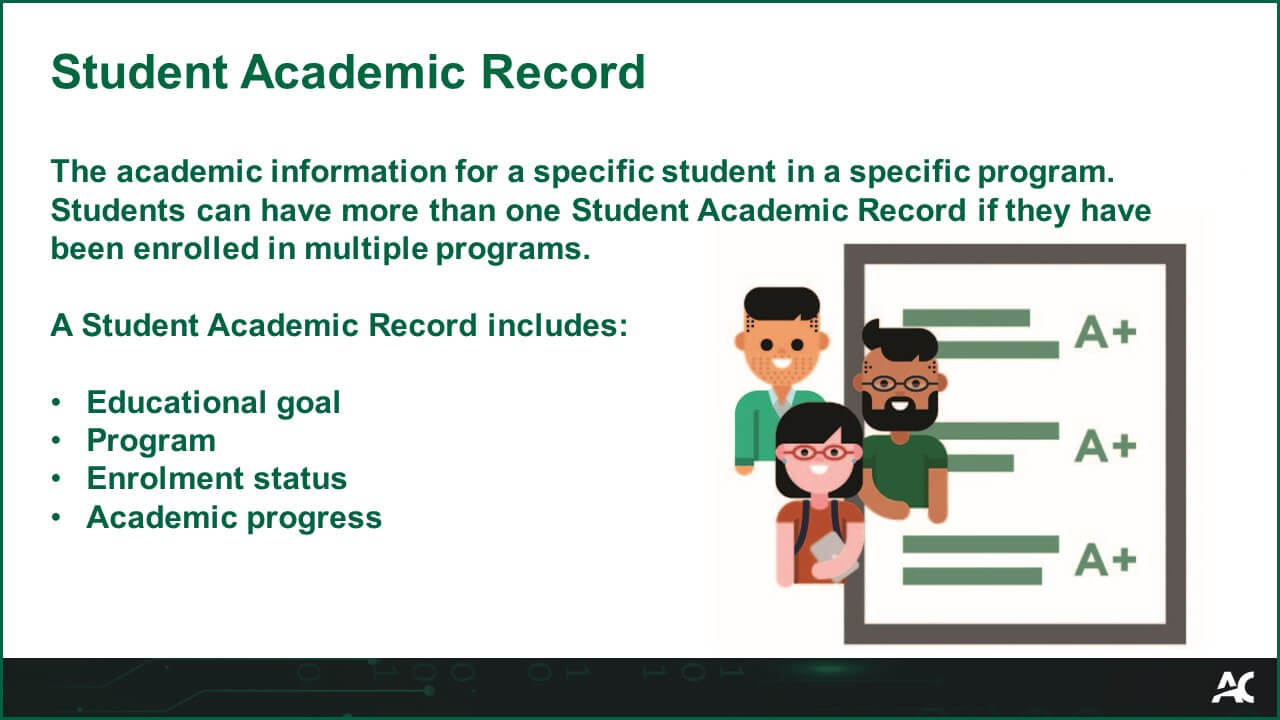
The academic information for a specific student in a specific program. Students can have more than one Student Academic Record if they have been enrolled in multiple programs.
A Student Academic Record includes:

  • Educational goal
  • Program
  • Enrolment status
  • Academic progress
Thesis
Educational Goal

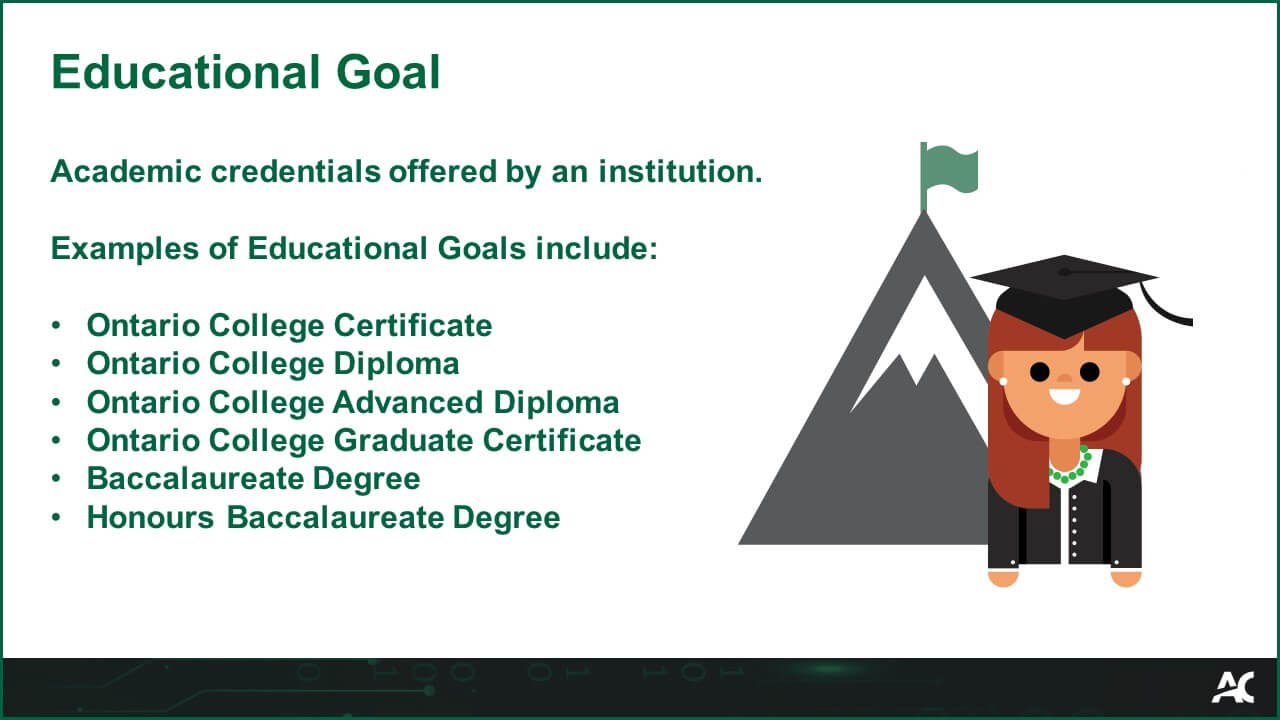
Academic credentials offered by a college.

Examples of Educational Goals include:

  • Ontario College Certificate
  • Ontario College Diploma
  • Ontario College Advanced Diploma
  • Ontario College Graduate Certificate
  • Baccalaureate Degree
  • Honours Baccalaureate Degree

Thesis
Guided Simulation

An interactive walkthrough of a specific task in the system.

Guided Simulations give users prompts in a virtual but realistic environment.

Guided Simulation is an interactive walkthrough of a specific task in the system. Guided Simulations give users prompts in a virtual but realistic environment. Icon of a computer keyboard with a hand selecting a key.

Thesis
Billing Period

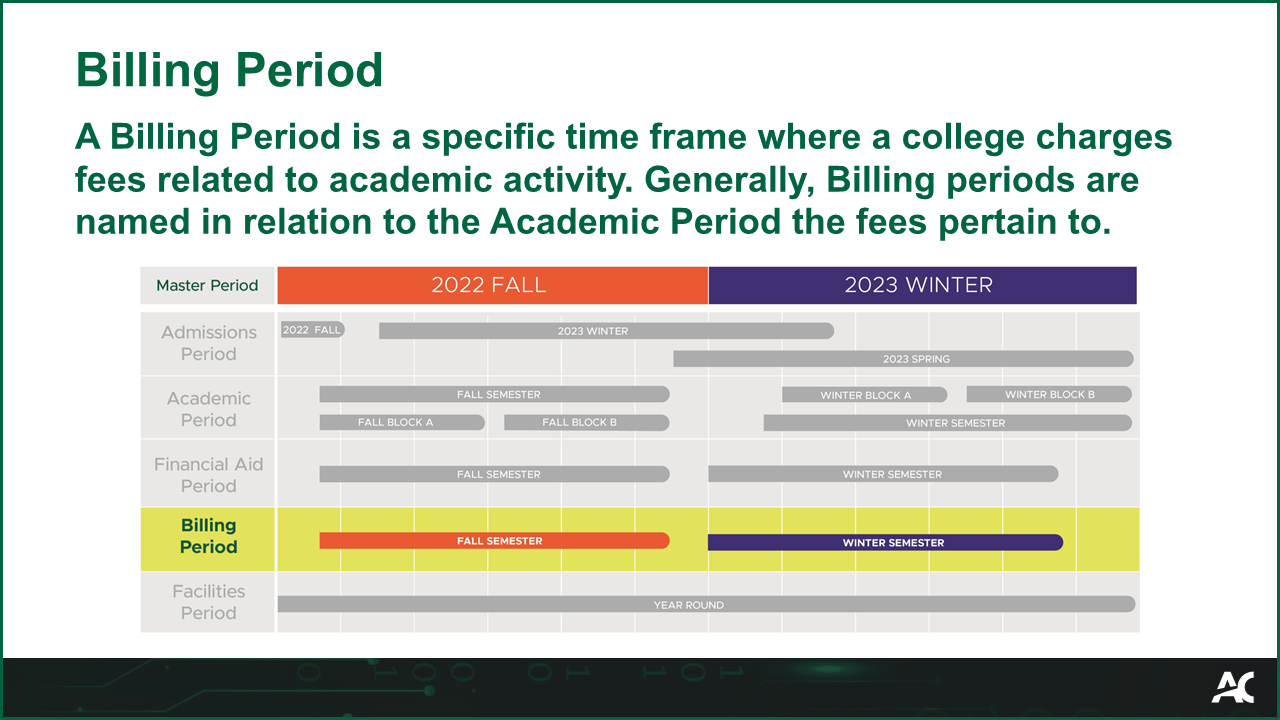
A Billing Period is a specific time frame where a college charges fees related to academic activity. Generally, Billing Periods are named in relation to the Academic Period the fees pertain to.

A Billing Period is a specific time frame when a college charges fees related to academic activity. Generally, Billing Periods are named in relation to the Academic Period the fees pertain to.

Thesis
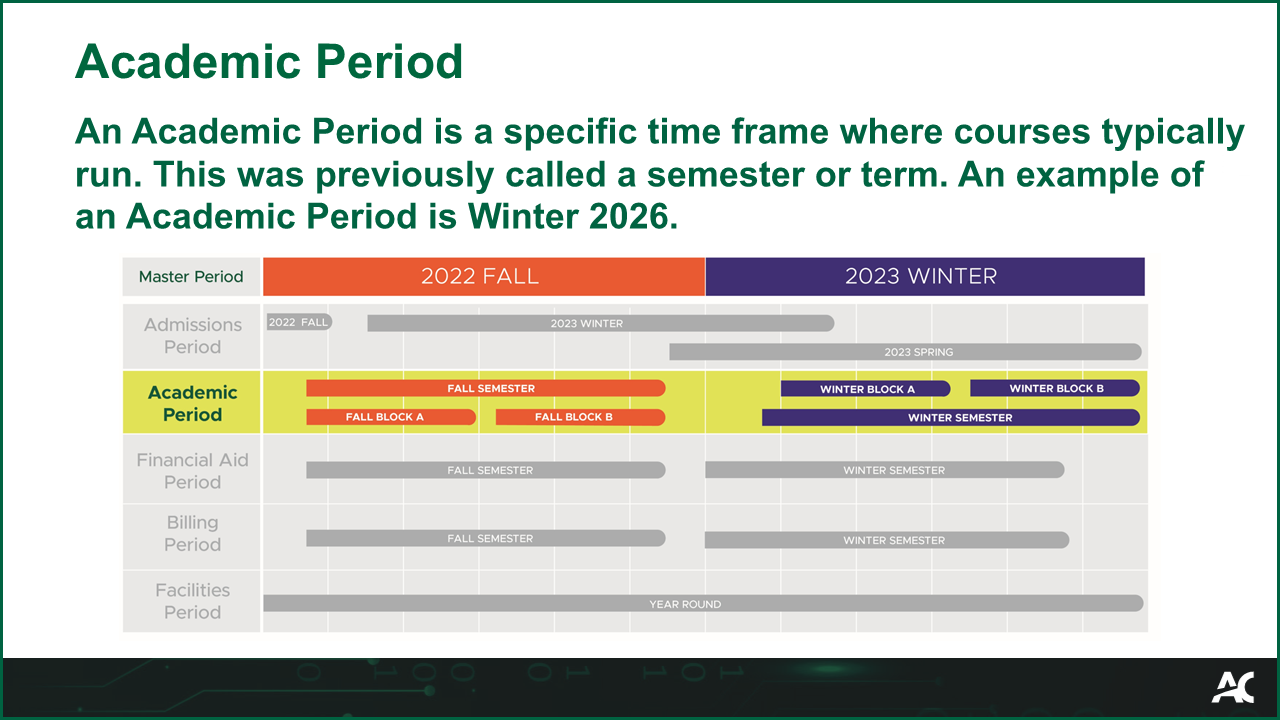
Academic Period

An Academic Period is a specific time frame where courses typically run. This was previously called a semester or term. An example of an Academic Period is Winter 2026.

An Academic Period is a specific time frame when courses typically run. This was previously called a semester or term. An example of an Academic Period is Winter 2026.

Thesis
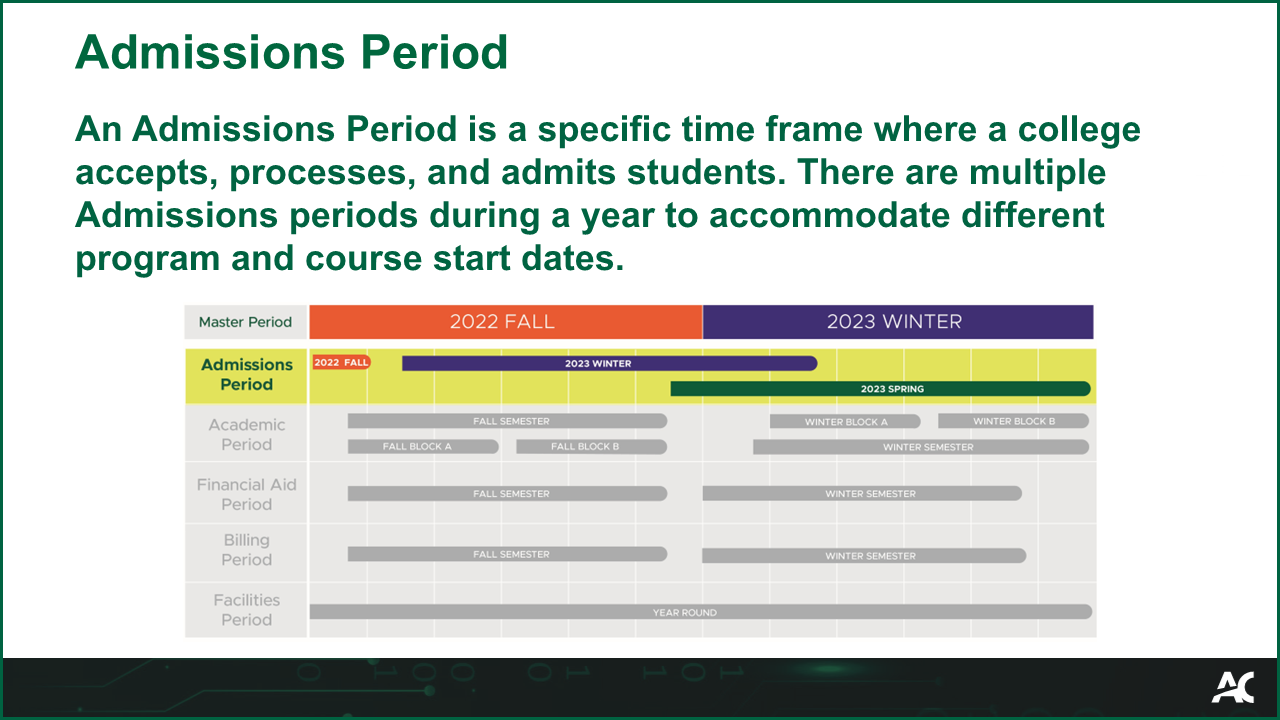
Admissions Period

An Admissions Period is a specific time frame where a college accepts, processes, and admits students. There are multiple Admissions periods during a year to accommodate different program and course start dates.
An Admissions Period is a specific time frame when a college accepts, processes, and admits students. There are multiple Admissions periods during a year to accommodate different program and course start dates.

Thesis
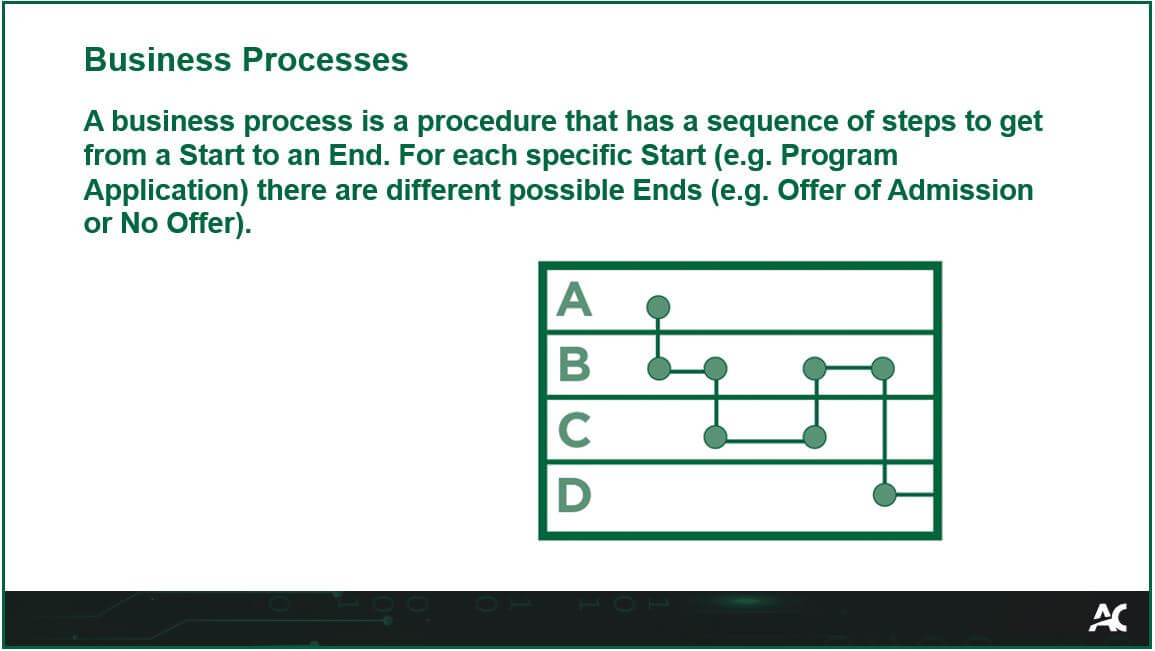
Business Processes

A business process is a procedure that has a sequence of steps to get from a Start to an End. For each specific Start (e.g. Program Application) there are different possible Ends (e.g. Offer of Admission or No Offer).

Business Processes Glossary

R3 Project
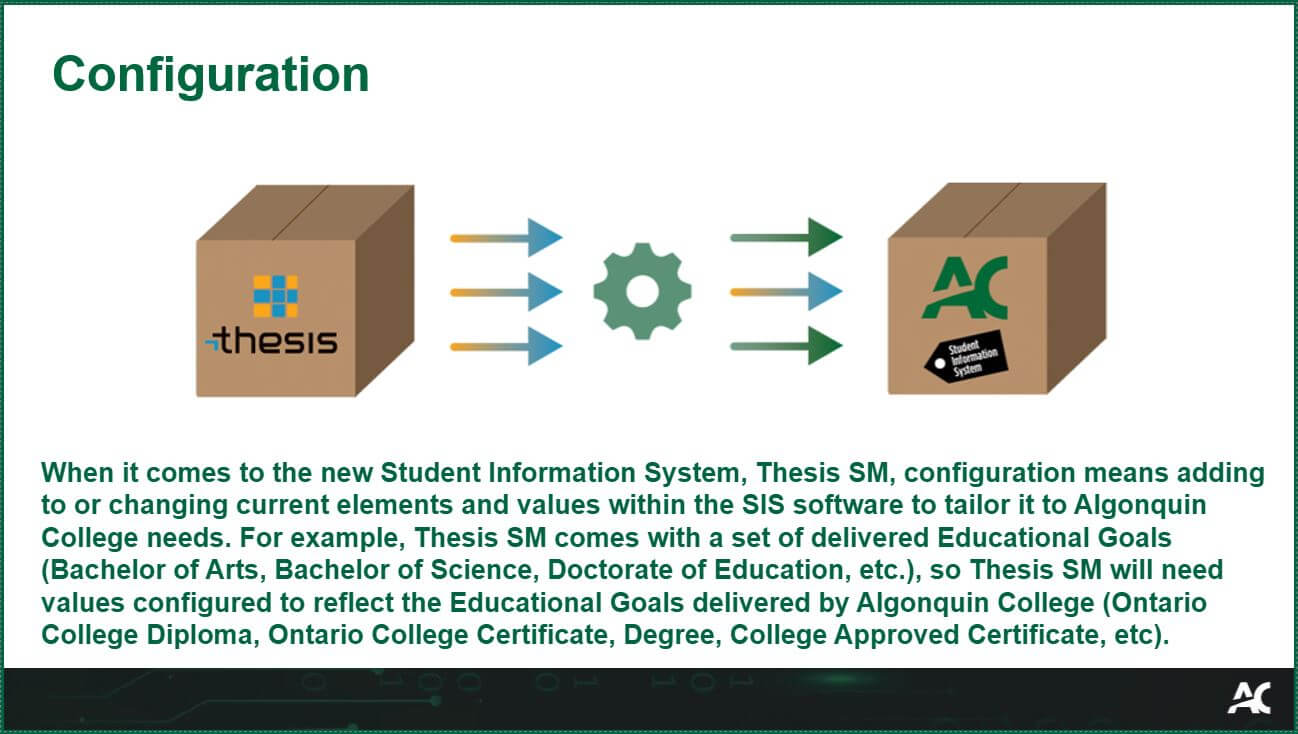
ConfigurationWhen it comes to the new Student Information System, Thesis SM, configuration means adding to or changing current elements and values within the SIS software to tailor it to Algonquin College needs. For example, Thesis SM comes with a set of delivered Educational Goals (Bachelor of Arts, Bachelor of Science, Doctorate of Education, etc.), so Thesis SM will need values configured to reflect the Educational Goals delivered by Algonquin College (Ontario College Diploma, Ontario College Certificate, Degree, College Approved Certificate, etc).

R3 Project
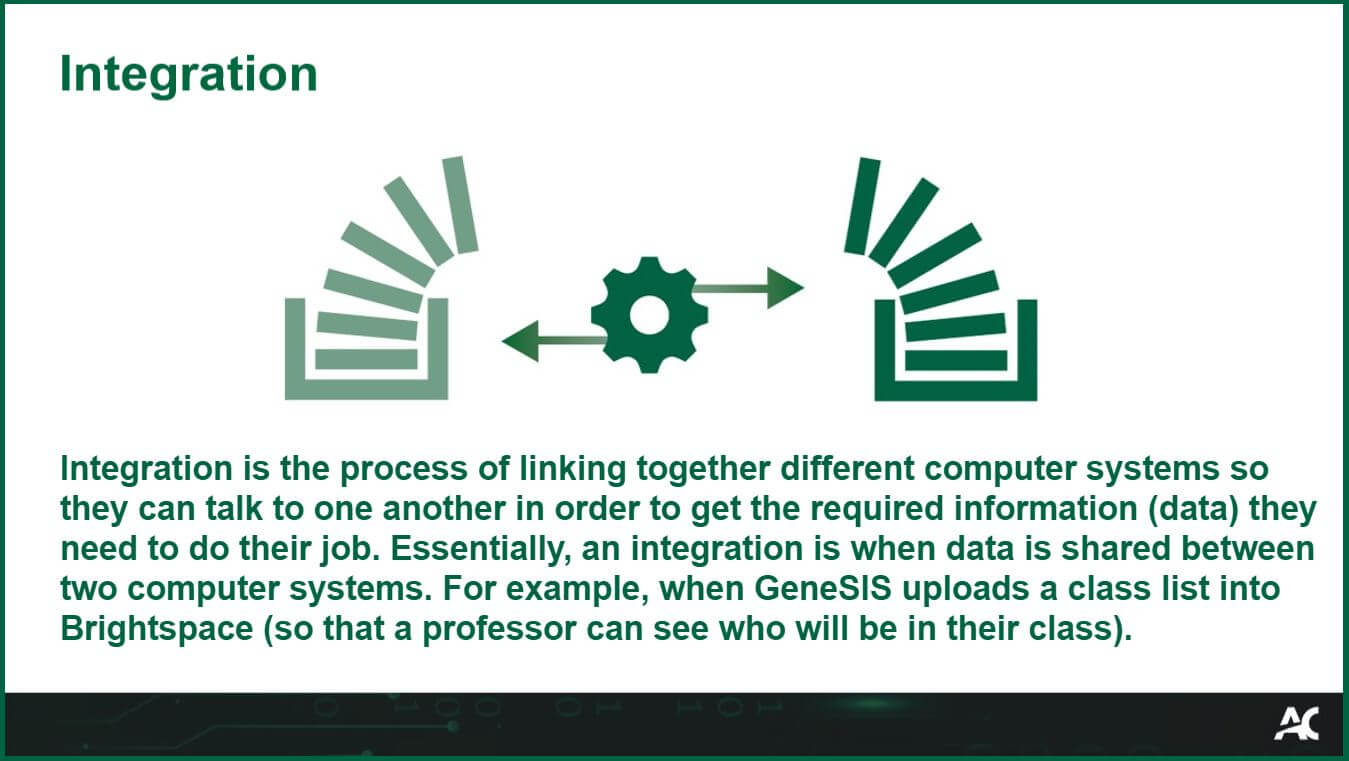
IntegrationIntegration is the process of linking together different computer systems so they can talk to one another in order to get the required information (data) they need to do their job. Essentially, an integration is when data is shared between two computer systems. For example, when GeneSIS uploads a class list into Brightspace (so that a professor can see who will be in their class).

R3 Project
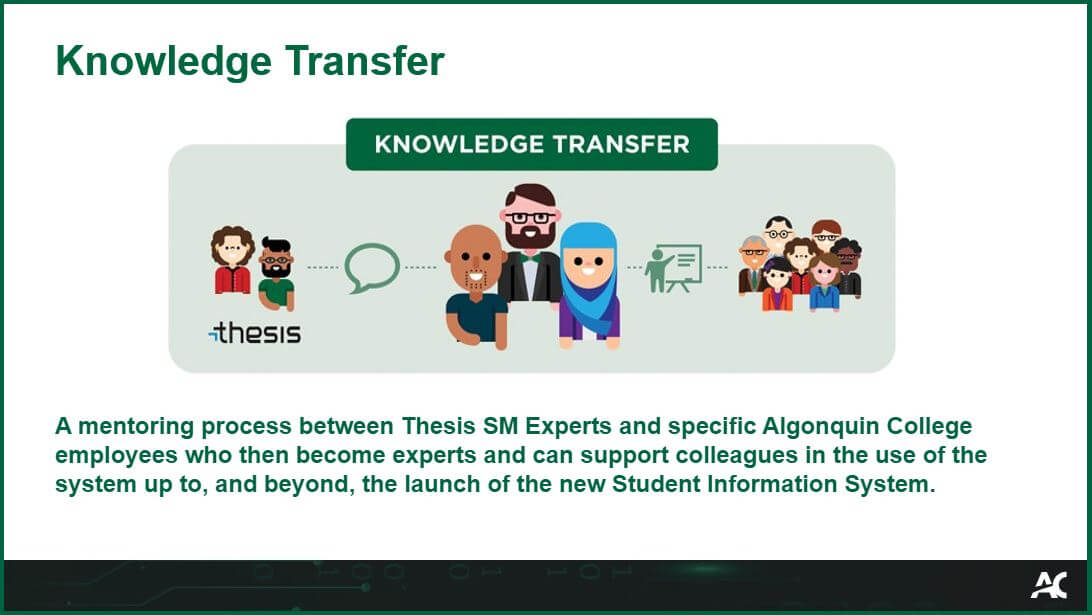
Knowledge TransferA mentoring process between Thesis SM Experts and specific Algonquin College employees who then become experts and can support colleagues in the use of the system up to, and beyond, the launch of the new Student Information System.

R3 Project
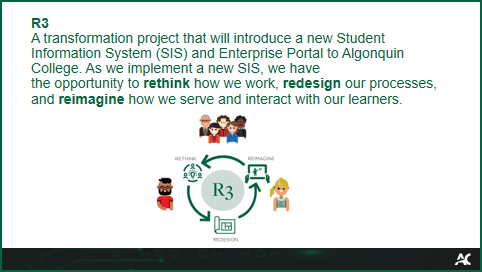
R3

A transformation project that will introduce a new Student Information System (SIS) and Enterprise Portal to Algonquin College. As we implement a new SIS, we have the opportunity to rethink how we work, redesign our processes, and reimagine how we serve and interact with our learners.

R3 Project
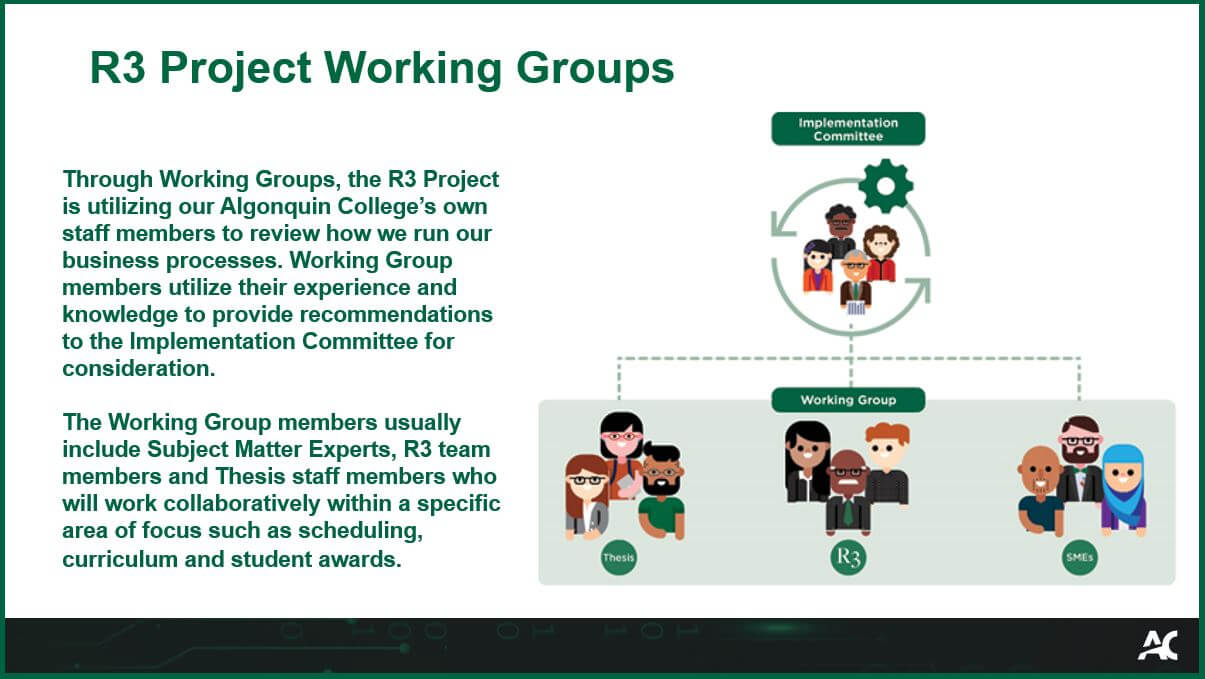
R3 Project Working GroupsThrough Working Groups, the R3 Project is utilizing our Algonquin College’s own staff members to review how we run our business processes. Working Group members utilize their experience and knowledge to provide recommendations to the Implementation Committee for consideration. The Working Group members usually include Subject Matter Experts, R3 team members and Thesis staff members who will work collaboratively within a specific area of focus such as scheduling, curriculum and student awards.

R3 Project
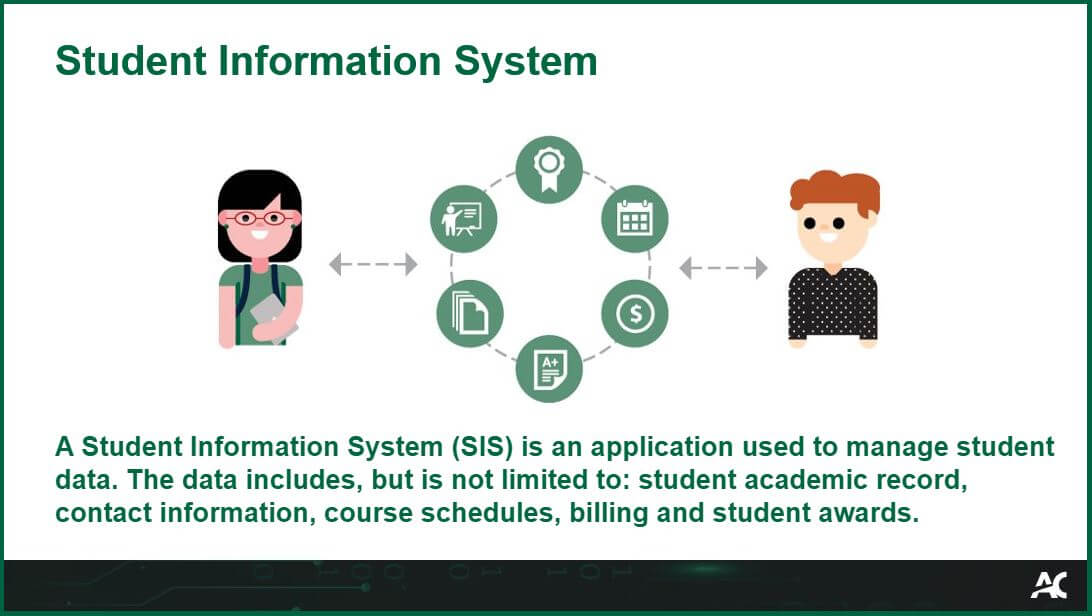
Student Information SystemA Student Information System (SIS) is an application used to manage student data. The data includes, but is not limited to: student academic record, contact information, course schedules, billing and student awards.

R3 Project
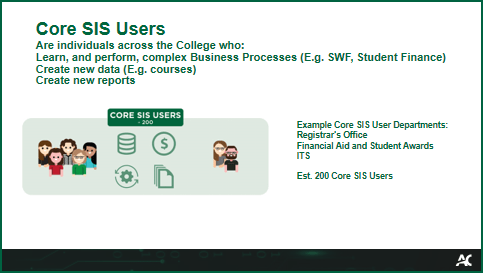
Student Information System Users: Core Users

Are individuals across the College who: 
Learn, and perform, complex Business Processes (E.g. SWF, Student Finance)

  • Create new data (E.g. courses)
  • Create new reports 

Example Core User Departments:

  • Registrar’s Office
  • Financial Aid and Student Awards
  • ITS
Est. 200 Core SIS Users

R3 Project
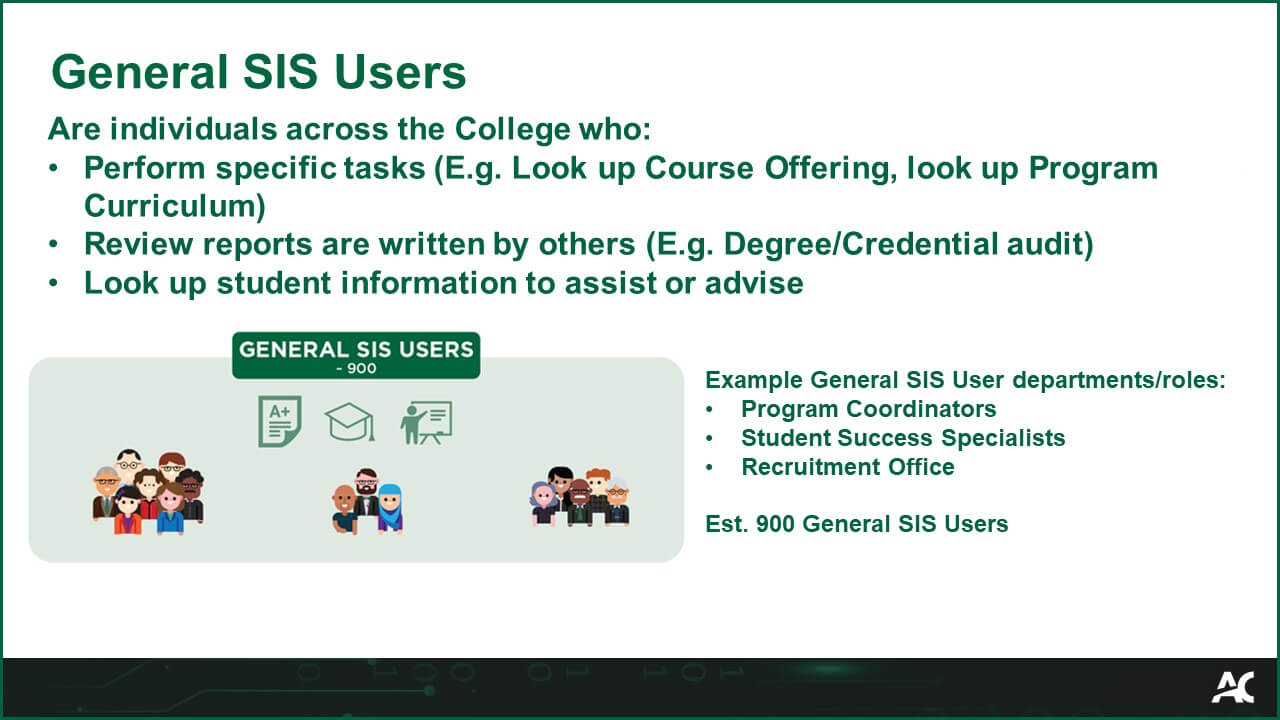
Student Information System Users: General Users

Are individuals across the College who:

  • Perform specific tasks (E.g. Look up Course Offering, look up Program Curriculum) 
  • Review reports are written by others (E.g. Degree/Credential audit) 
  • Look up student information to assist or advise

Example General SIS User departments/roles:

  • Program Coordinators
  • Student Success Specialists
  • Recruitment Office

Est. 900 General SIS Users

R3 Project
Subject Matter Expert

Subject Matter Experts (SME) are individuals across the college who have experience and knowledge to help provide feedback on, as well as guide and support, recommendations when it comes to implementing the new Student Information System and redesigning business processes. They work closely with the R3 Implementation Committee.

R3 Project
ThesisThesis is the US-based company that specializes in providing post-secondary institutions with cloud-based applications. Algonquin College has partnered with Thesis to implement a new Student Information System (SIS), ultimately replacing GeneSIS.

Thesis Glossary Slide
R3 Project
Discovery PhaseThe Discovery Phase is about understanding the new Student Information System, Thesis SM, and its capabilities. Our vendor, Thesis, also learns about Algonquin College processes and business needs.

This is also called the Familiarize Phase.


The Discovery Phase is about understanding the new Student Information System, Thesis SM, and its capabilities. Our vendor, Thesis, also learns about Algonquin College processes and business needs. This is also called the Familiarize Phase.

R3 Project
Design and Develop Phase
The Design and Develop Phase involves configuring the new Student Information System, Thesis SM, to meet the needs of Algonquin College, as well as designing and developing new business processes. Technical work is also occurring during this phase, including data migration, integrations, enhancements, and automations.

As building these tailored solutions is complex, this is the longest phase of the project.

This is also called the Personalize Phase.


The Design and Develop Phase involves configuring the new Student Information System, Thesis SM, to meet the needs of Algonquin College, as well as designing and developing new business processes. Technical work is also occurring during this phase, including data migration, integrations, enhancements, and automations. As building these tailored solutions is complex, this is the longest phase of the project. This is also called the Personalize Phase.

R3 Project
Technical Testing Phase

The Technical Testing Phase includes testing the new Student Information System, Thesis SM, and sharing the new Algonquin College business processes. Additionally, integrations with other applications, such as Brightspace, are tested. The R3 Project team will then collect and analyze feedback while also identifying and resolving technical issues that come up during testing.

During this phase, training development is completed.

This is also called the Integrated System Testing Phase.

The Technical Testing Phase includes testing the new Student Information System, Thesis SM, and sharing the new Algonquin College business processes. Additionally, integrations with other applications, such as Brightspace, are tested. The R3 Project team will then collect and analyze feedback while also identifying and resolving technical issues that come up during testing.<br>
During this phase, training development is completed. This is also called the Integrated System Testing Phase.

R3 Project
User Testing Phase
The User Testing Phase is when training on the new Student Information System, Thesis SM, begins. Employees from across the College are invited to test Thesis SM, the Student Portal, and the Algonquin College business processes. Testers also have the opportunity to identify problems that may need to be resolved.

This is also called the User Acceptance Testing Phase.

The User Testing Phase is when training on the new Student Information System, Thesis SM, begins. Employees from across the College are invited to test Thesis SM, the Student Portal, and the Algonquin College business processes. Testers also have the opportunity to identify problems that may need to be resolved. This is also called the User Acceptance Testing Phase.
R3 Project
Deploy Phase

During the Deploy Phase, final preparations are made to ensure a successful Go-Live.

During the Deploy Phase, final preparations are made to ensure a successful Go-Live.

R3 Project
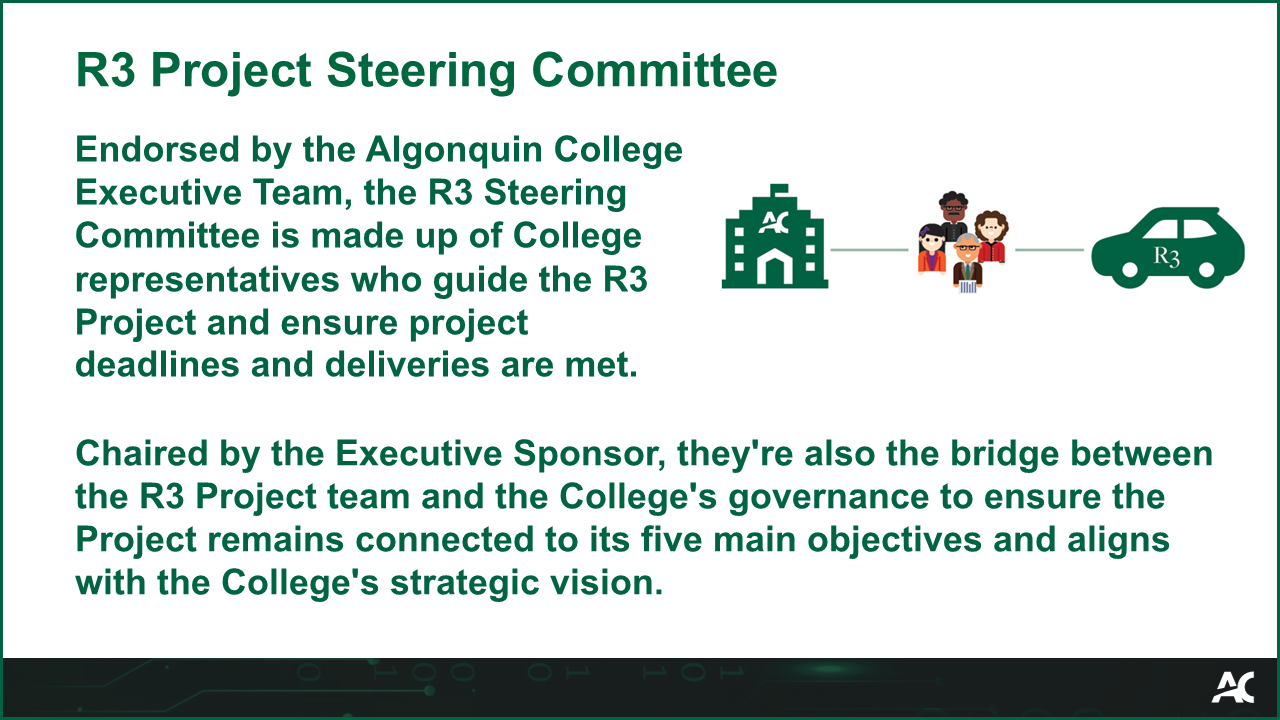
R3 Project Steering CommitteeEndorsed by the Algonquin College Executive Team, the R3 Steering Committee is made up of College representatives who guide the R3 Project and ensure project deadlines and deliverables are met.
Chaired by the Executive Sponsor, they’re also the bridge between the R3 Project team and the College’s governance to ensure the Project remains connected to its five main objectives and aligns with the College’s strategic vision.
Endorsed by the Algonquin College Executive Team, the R3 Steering Committee is made up of College representatives who guide the R3 Project and ensure project deadlines and deliveries are met. Chaired by the Executive Sponsor, they're also the bridge between the R3 Project team and the College's governance to ensure the Project remains connected to its five main objectives and aligns with the College's strategic vision.
R3 Project
Pre-requisite
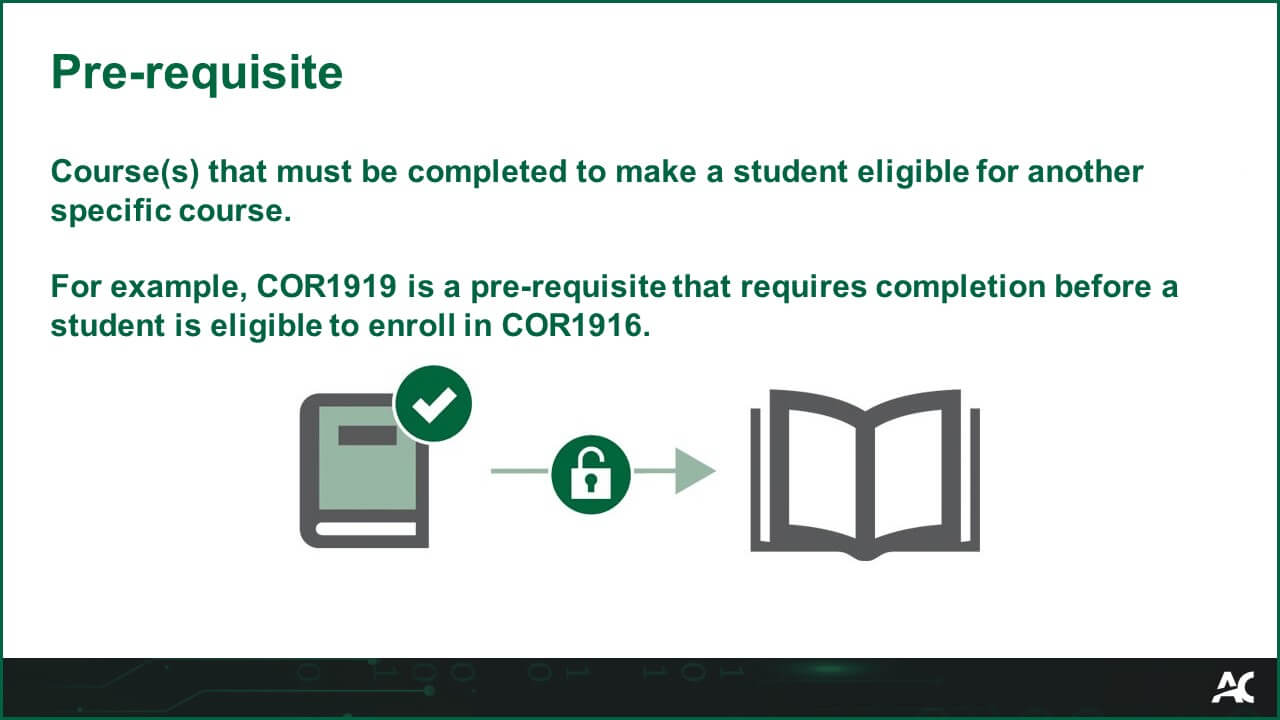
Course(s) that must be completed to make a student eligible for another specific course.

For example, COR1919 is a pre-requisite that requires completion before a student is eligible to enroll in COR1916.
Thesis
AwardFinancial Aid that is offered to a student. Common categories of Awards at the College include scholarships and bursaries. 
Award Glossary Image
Thesis
Financial Aid Record

A centralized summary of a student's Financial Aid information and an access point to more detailed data.

Each student has one personal Financial Aid Record.

Thesis
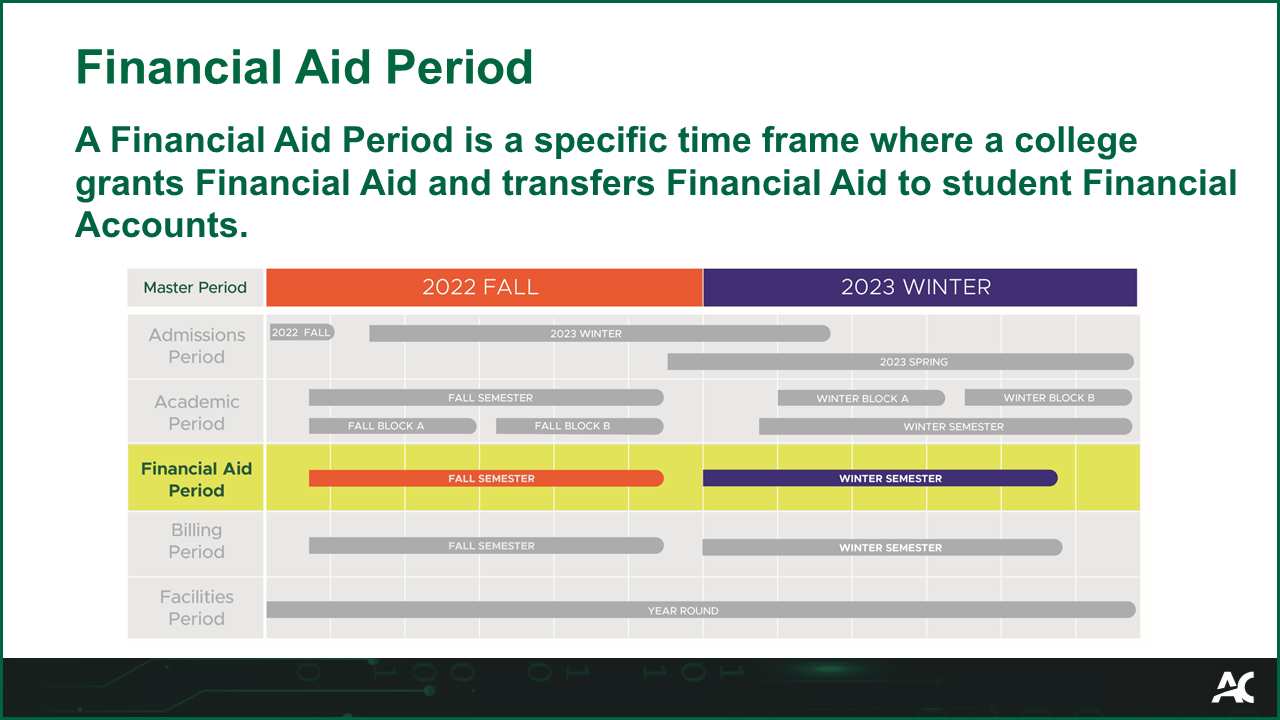
Financial Aid PeriodA Financial Aid Period is a specific time frame where a college grants Financial Aid and transfers Financial Aid to student Financial Accounts.

A Financial Aid Period is a specific time frame when a college grants Financial Aid and transfers Financial Aid to student Financial Accounts.
Thesis
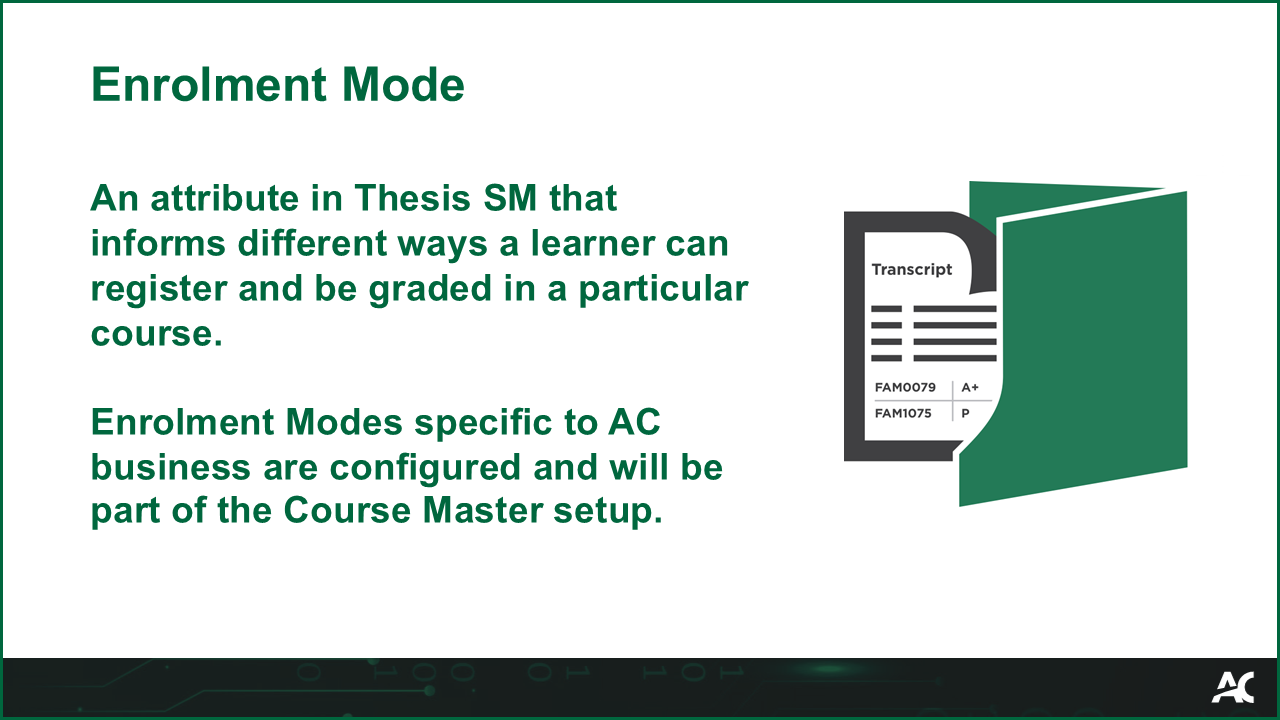
Enrolment Mode

The criteria for how a course is graded. Enrolment Modes specific to AC business are configured and will be part of the Course Master set up.

Thesis
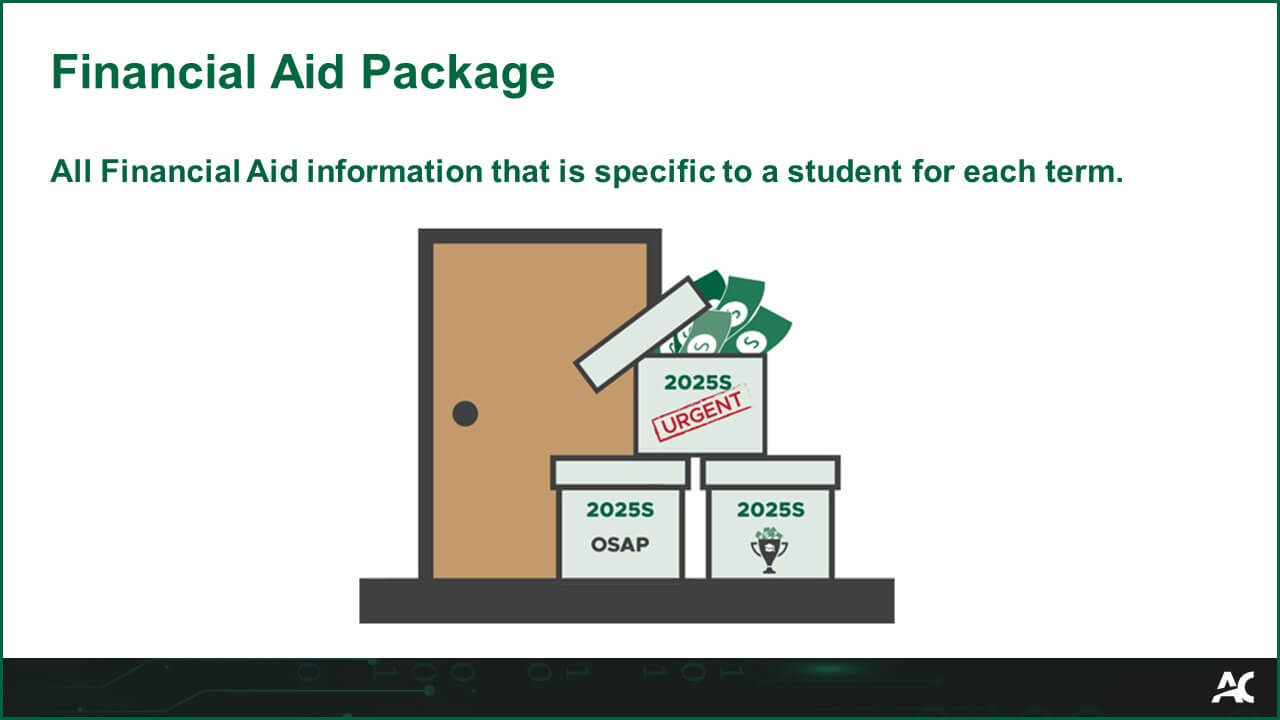
Financial Aid PackageAll Financial Aid information that is specific to a student for each term.
Financial Aid Package Glossary Image
Thesis
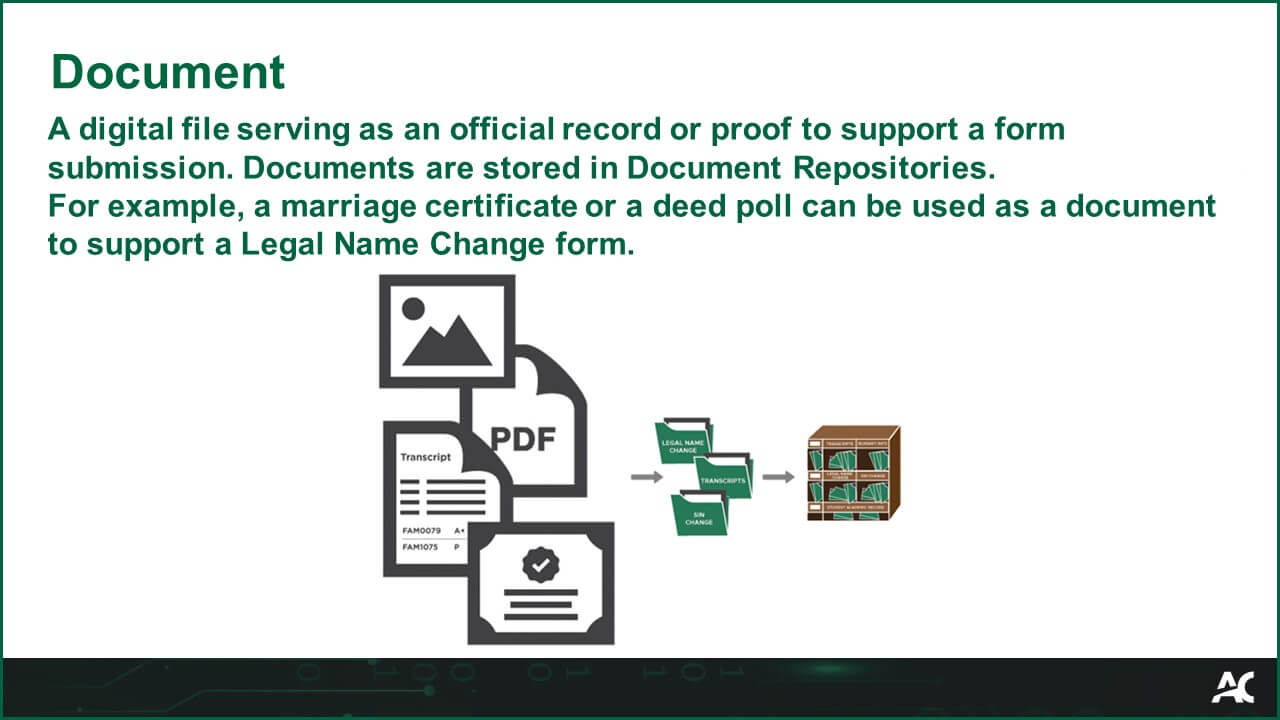
DocumentA digital file serving as an official record or proof to support a form submission. Documents are stored in Document Repositories.

For example, a marriage certificate or a deed poll can be used as a document to support a Legal Name Change form. 
Thesis
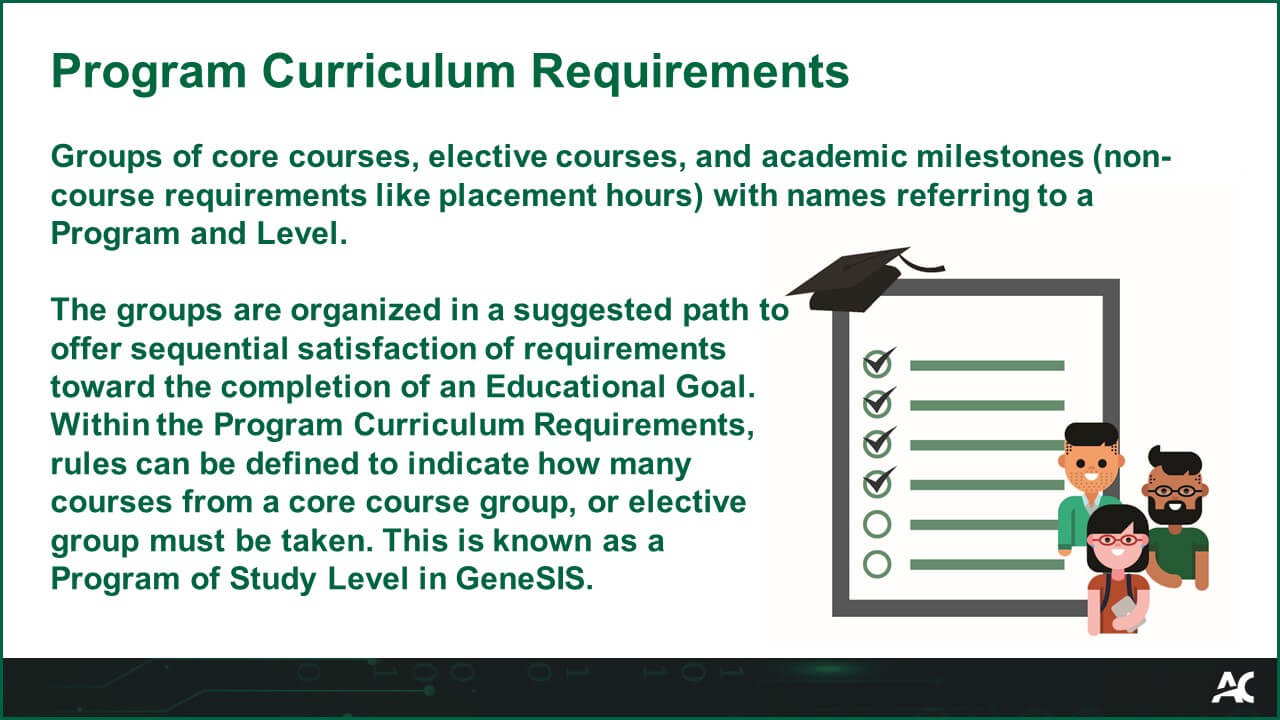
Program Curriculum RequirementsGroups of core courses, elective courses, and academic milestones (non-course requirements like placement hours) with names referring to a Program and Level.

The groups are organized in a suggested path to offer sequential satisfaction of requirements toward the completion of an Educational Goal. Within the Program Curriculum Requirements, rules can be defined to indicate how many courses from a core course group, or elective group must be taken. This is known as a Program of Study Level in GeneSIS.
Program Curriculum Requirements Glossary Image
Thesis
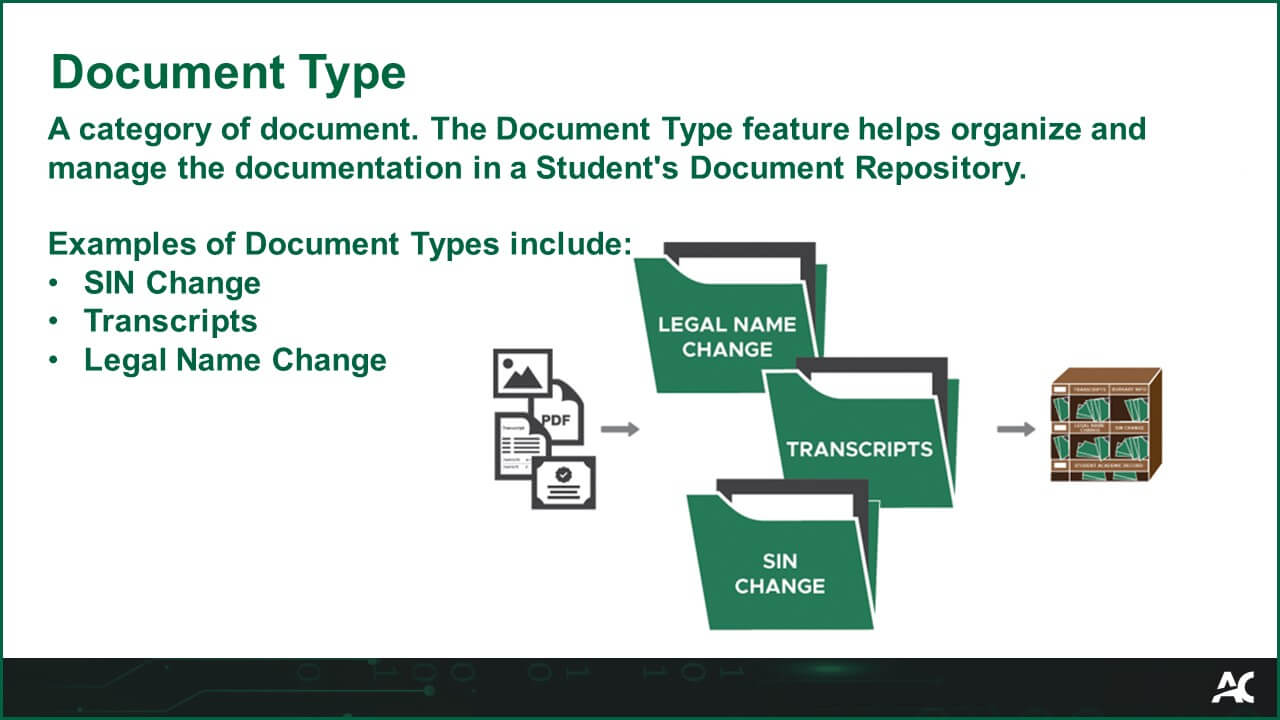
Document Type

A category of document. The Document Type feature helps organize and manage the documentation in a Student's Document Repository. 

Examples of Document Types include: 

  • SIN Change 
  • Transcripts 
  • Legal Name Change 
Document Type Glossary Image
Thesis
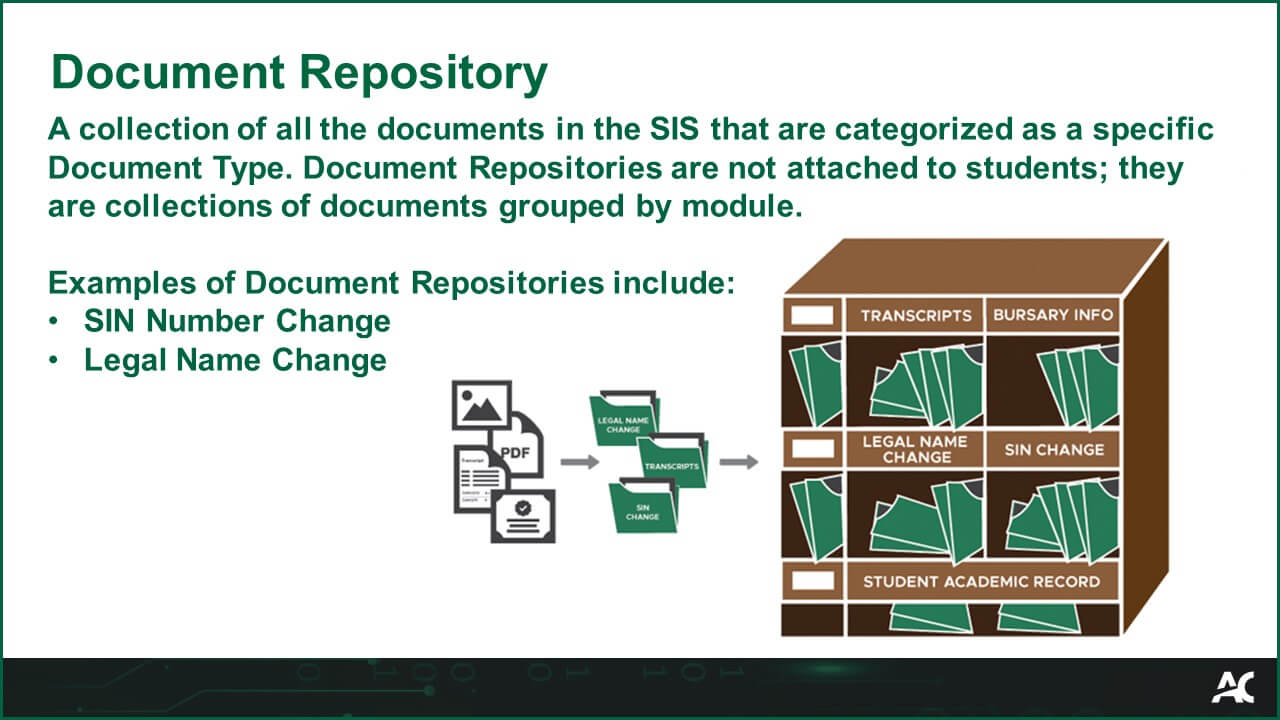
Document RepositoryA collection of all the documents in the SIS that are categorized as a specific Document Type. Document Repositories are not attached to students; they are collections of documents grouped by module.

Examples of Document Repositories include:
  • SIN Number Change
  • Legal Name Change

Document Repository Glossary Image
Thesis
User

Users are College employees and students who interact with Thesis SM or the Thesis Student Portal.  

Each User has a personal account to access the system(s) assigned to them. The access level for each account is tailored to what they require for their System Role(s). 

User Glossary Image

Thesis
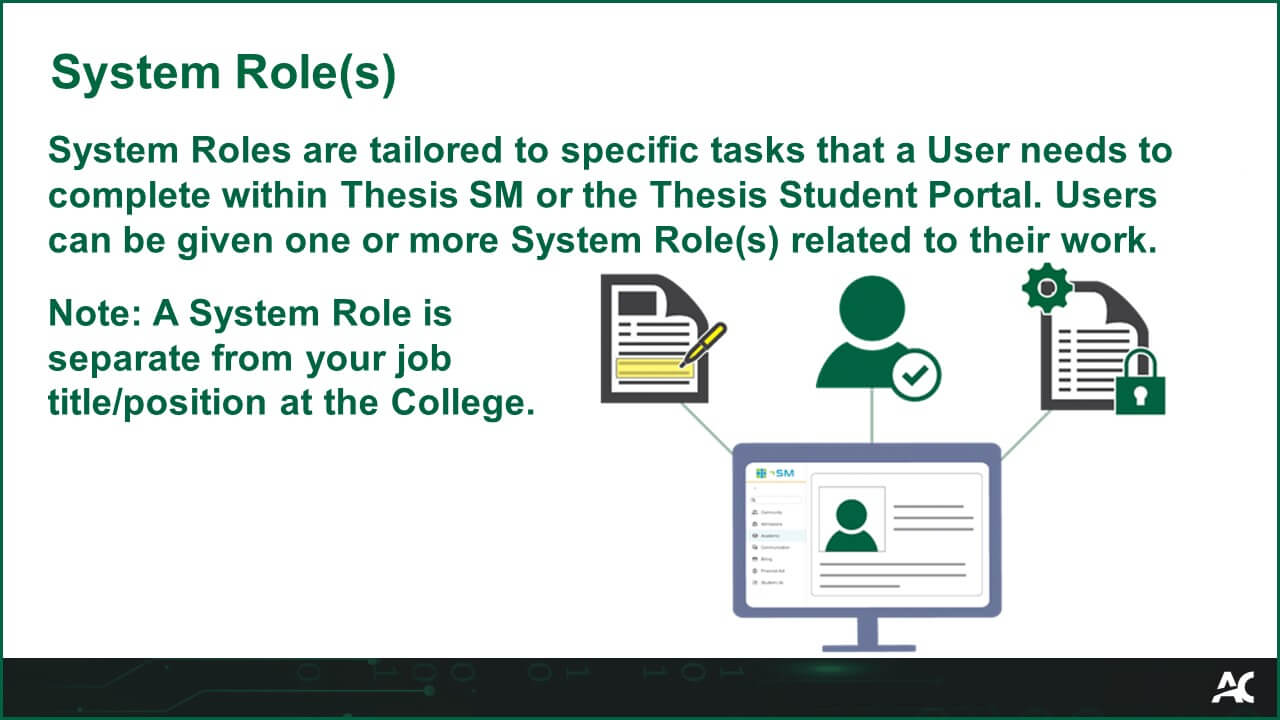
System Role(s)

System Roles are tailored to specific tasks that a User needs to complete within Thesis SM or the Thesis Student Portal. Users can be given one or more System Role(s) related to their work. 

Note: A System Role is separate from your job title/position at the College.

System Role(s) Glossary Image

Thesis
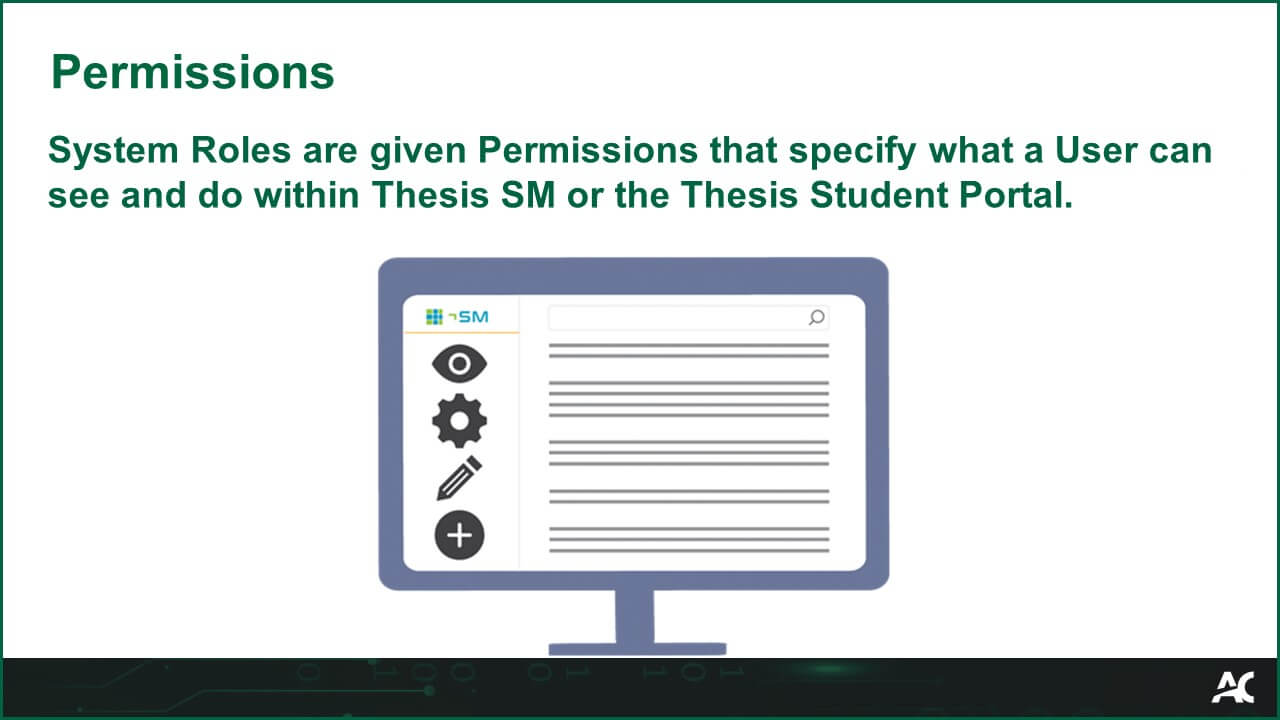
PermissionsSystem Roles are given Permissions that specify what a User can see and do within Thesis SM or the Thesis Student Portal.

Permissions Glossary Image
Thesis
Non-course Requisite

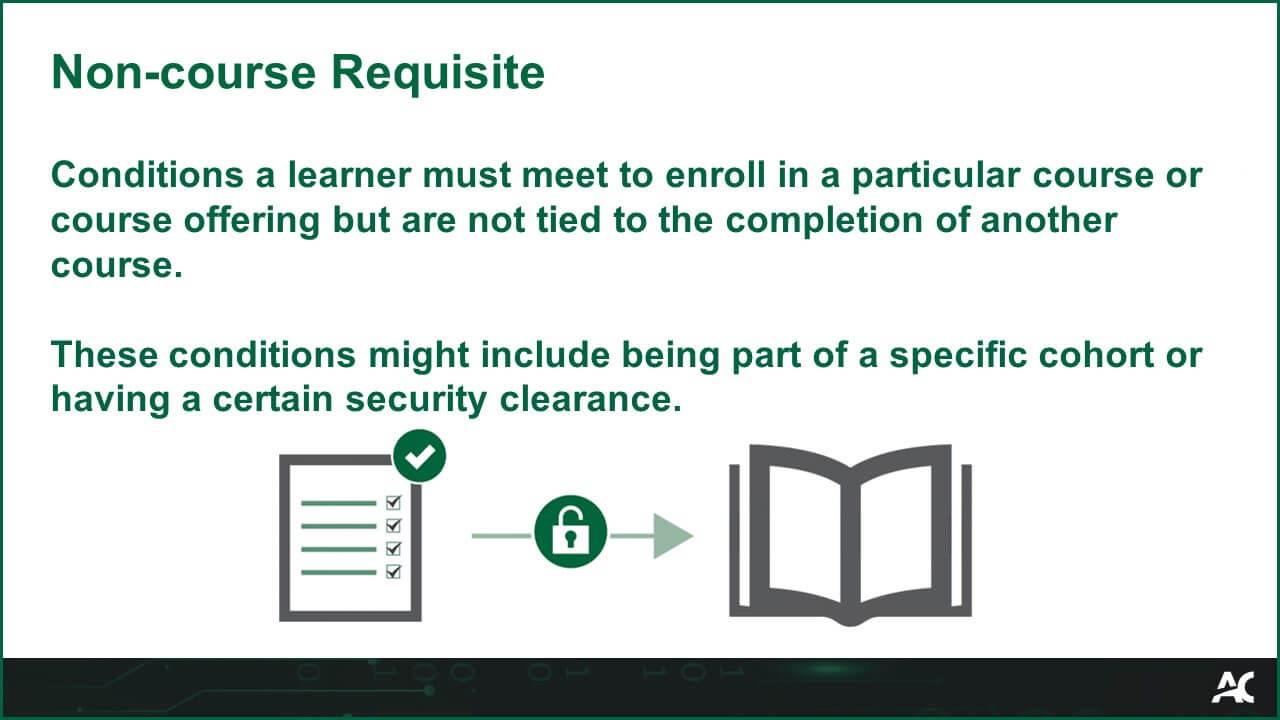
Conditions a learner must meet to enroll in a particular course or course offering but are not tied to the completion of another course.  
 
These conditions might include being part of a specific cohort or having a certain security clearance. 


Thesis
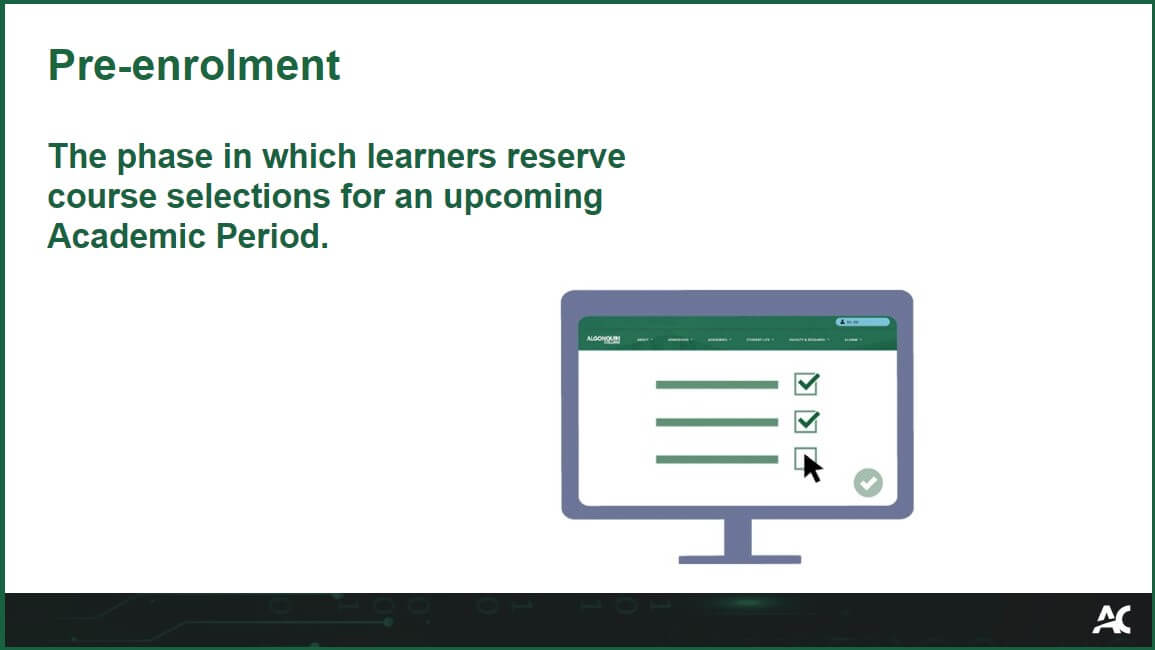
Pre-enrolmentThe phase in which learners reserve course selections for an upcoming Academic Period.
The phase in which learners reserve course selections for an upcoming Academic Period.
Thesis
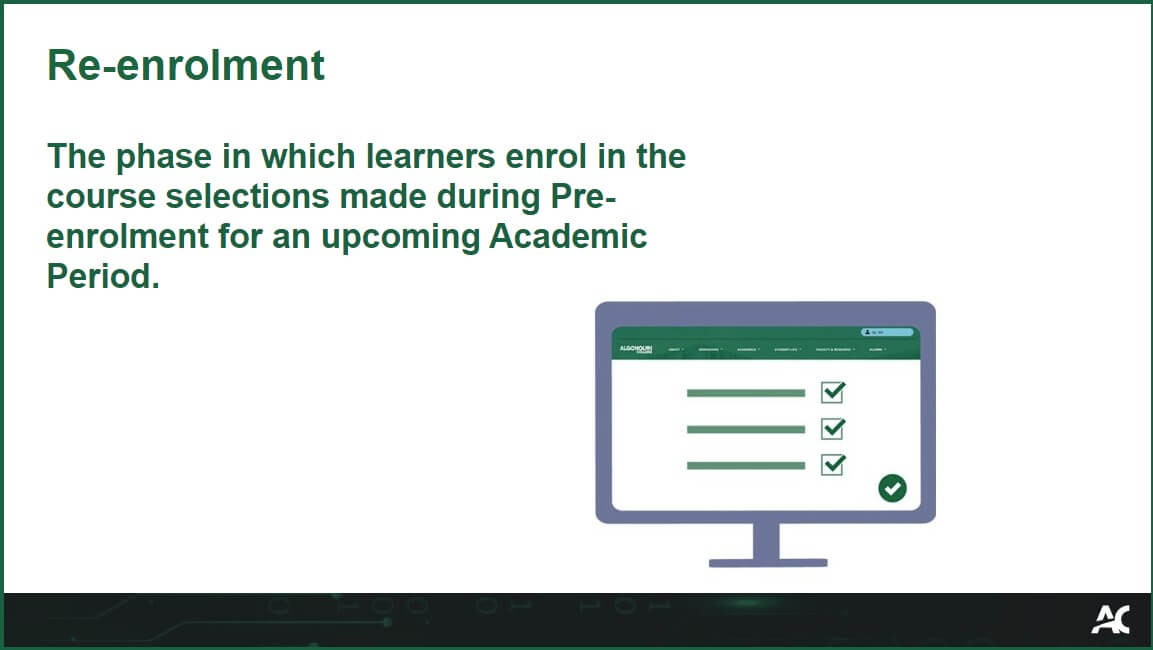
Re-enrolmentThe phase in which learners enrol in the course selections made during Pre-enrolment for an upcoming Academic Period.
The phase in which learners enrol in the course selections made during Pre-enrolment for an upcoming Academic Period.
Thesis
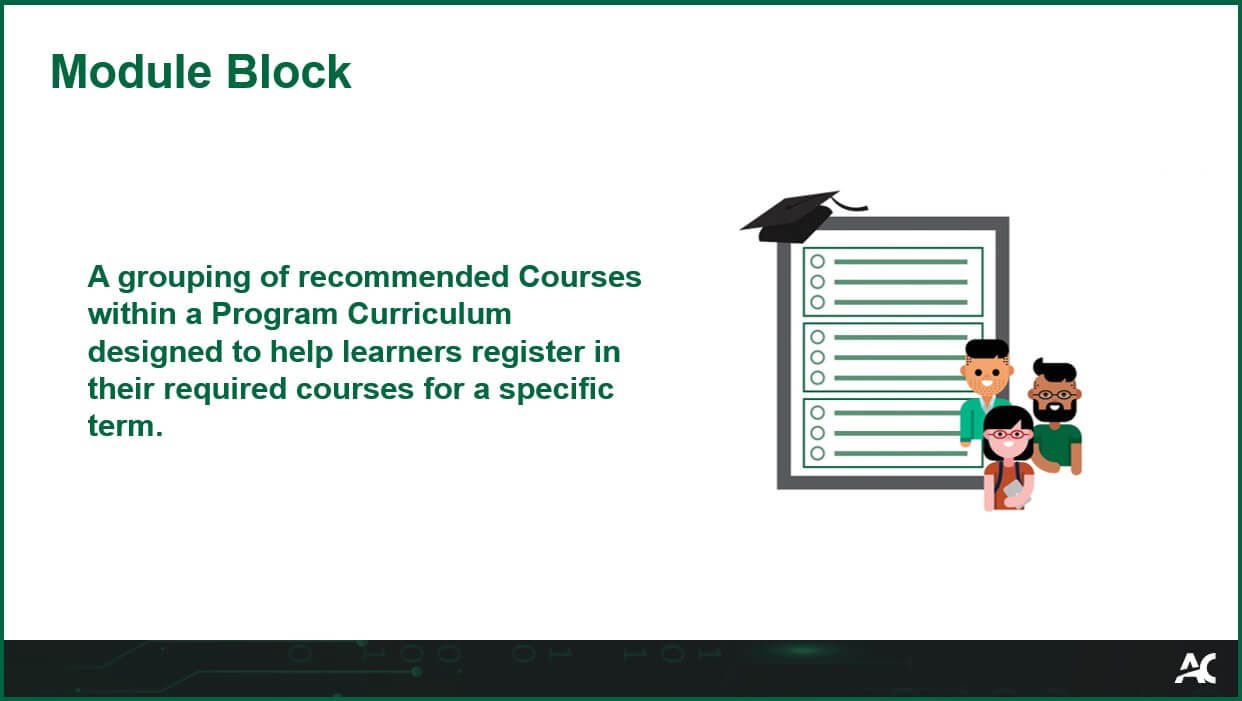
Module BlockA grouping of recommended Courses within a Program Curriculum designed to help learners register in their required courses for a specific term.​ 

A grouping of recommended courses within a program curriculum designed to help learners register in their required courses for a specific term.
Thesis
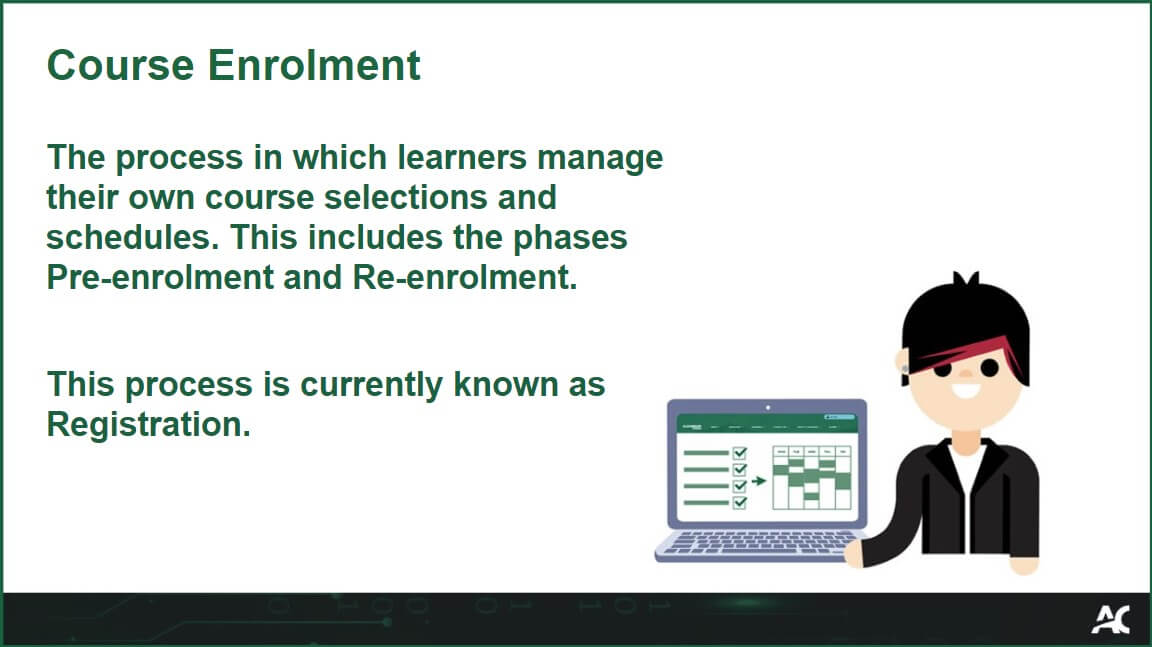
Course EnrolmentThe process in which learners manage their own course selections and schedules. This includes the phases Pre-enrolment and Re-enrolment.

This process is currently known as Registration.
Course Enrolment - the process in which learners manage their own course selections and schedules. This includes the phases Pre-enrolment and Re-enrolment. This process is currently known as Registration.
Thesis
Video TutorialA recording of a specific task being completed in the system.

Video Tutorials have narrated instructions, use boxes to highlight actions, and help users understand how a task is completed.
Video Tutorial is a recording of a specific task being completed in the system. Video Tutorials have narrated instructions, use boxes to highlight actions, and help users understand how a task is completed.
R3 Project
Practice ExerciseAn interactive simulation that allows users to complete a specific task in the system without guidance.

Practice Exercises also tell users when they are not completing the task correctly.
Practice Exercise: An interactive simulation that allows users to complete a specific task in the system without guidance. Practice Exercises also tell users when they are not completing the task correctly. Icon of a document with a glowing lightbulb.
R3 Project
Admissions ProgramAn Admissions Program is the Academic Program that an applicant has applied for within an Admissions Period.

An Admissions Program is the Academic Program that an applicant has applied for within an Admissions Period.
Thesis
Admissions Program OfferingAn Admissions Program Offering is a record that specifies the delivery methods (online, on-campus, hybrid) and campuses. This will contain admission processing instructions and list the Admission Officers.

An Admissions Program Offering is a record that specifies the delivery methods (online, on-campus, hybrid) and campuses. This will contain admission processing instructions and list the Admission Officers.
Thesis
Admissions Program Offering ItemAn Admissions Program Offering Item is specific to relevant period types (Fall, Winter, Spring) and makes offerings visible for learners in the Student Portal, Salesforce, and OCAS.
An Admissions Program Offering Item is specific to relevant period types (Fall, Winter, Spring) and makes offerings visible for learners in the Student Portal, Salesforce, and OCAS.
Thesis
Transfer Credit Library

The Transfer Credit Library stores all the transfer credits that have been added to the college's database. The library allows a one to one, one to many, or many to one logic when mapping transfer credits.

Once transfer credits are logged in the library, they can easily be re-used in future transfer credit requests.

The Transfer Credit Library stores all the transfer credits that have been added to the college's database. The library allows a one to one, one to many, or many to one logic when mapping transfer credits. Once transfer credits are logged in the library, they can easily be re-used in future transfer credit requests. There's a book icon with bi-directional arrows.

Thesis
Query ListsA Query List is a dynamic tool that retrieves data using customizable filters and conditions. It allows users to extract specific information, such as learner records, curriculum details, financial data, or course deliveries.

Beyond data retrieval, Query
Lists also allow users to take action directly within the list, such as:
  • updating records
  • sending communications
  • tracking and exporting data for reporting or further analysis
A Query List is a dynamic tool that retrieves data using customizable filters and conditions. It allows users to extract specific information, such as learner records, curriculum details, financial data, or course deliveries. Beyond data retrieval, Query Lists also allow users to take action directly within the list, such as: updating records, sending communications, tracking and exporting data for reporting or further analysis. Image: A computer database icon with a magnifier symbol. Three icons are above the database: folders, documents, and users.

Thesis