Query Lists: Like Making Your Own Custom Smoothie
Posted on Tuesday, July 15th, 2025
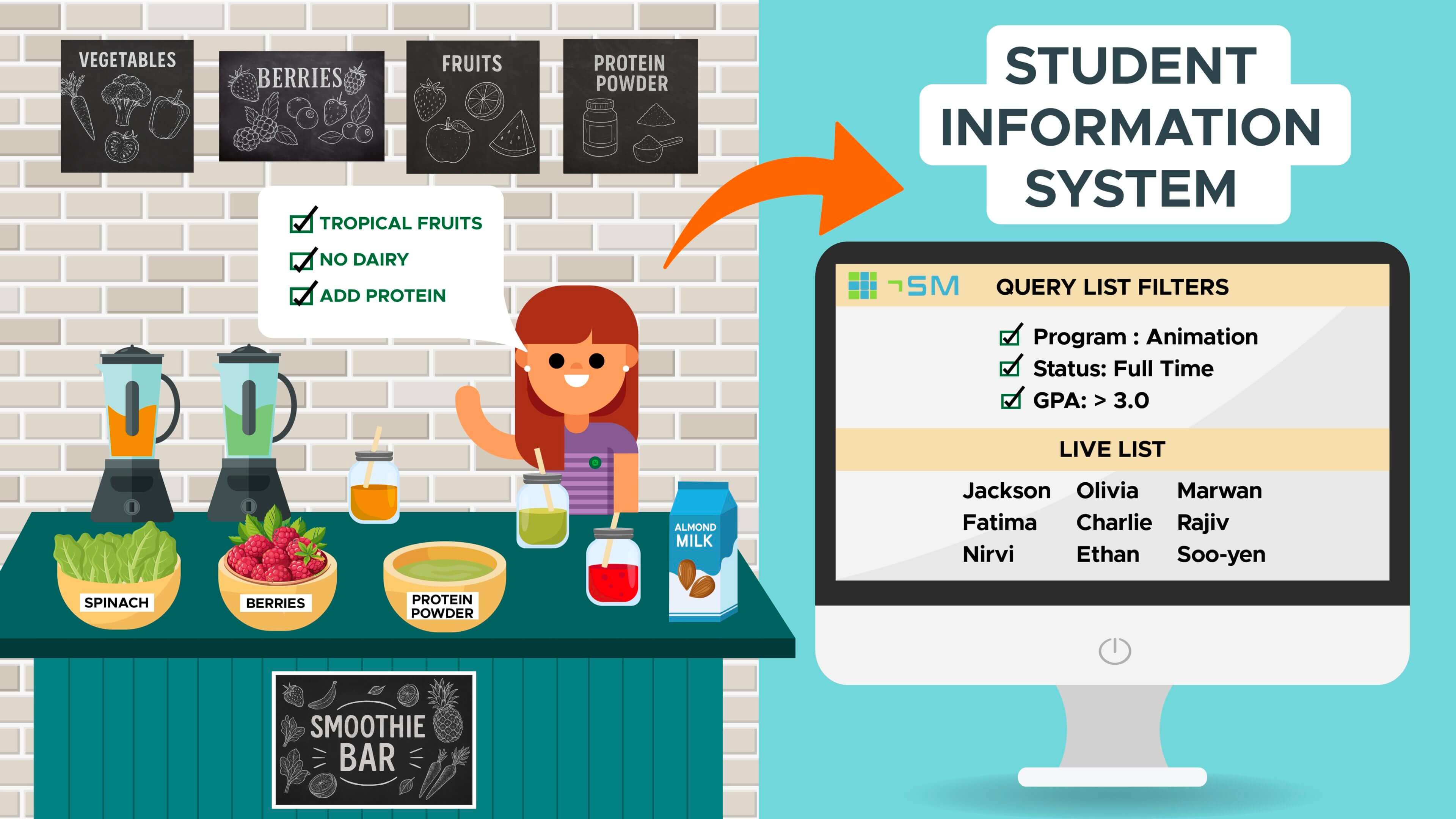
Picture this: you’re at a smoothie bar where you can create your own custom drink. The smoothie bar has pre-defined recipes, plus a variety of ingredients—fruits, veggies, proteins, and sweeteners. But you don’t want everything—you want something specific, like a Very Berry smoothie that’s also tropical, dairy-free with extra protein.
So, you tell the smoothie bar staff:
- I want only tropical fruits (like mango and pineapple),
- No dairy (so, skip the yogurt and milk),
- And protein powder.
The staff then goes to the ingredient shelf, picks only what matches your request, and blends it into a smoothie just for you.
Now, let’s translate that to Query Lists:
- The smoothie bar: Thesis SM, the future Student Information System (SIS).
- The ingredients: all the student data (grades, programs, enrolment status, etc.). There are also course and curriculum data!
- Your preferences: the filters you apply (e.g., students in the Animation program, enrolled full-time, with a GPA above 3.0).
- The custom smoothie: the query list result—a live, tailored list of students that matches your criteria.
The Query List (QL) tool in Thesis SM will help employees see information they are looking for. Query Lists are more than just data displays. They’re powerful, interactive tools designed to make your work with student information faster, smarter, and more effective.
Pulling data has never been easier! In Thesis SM, QLs allow us to:
- Filter live data—we’re not pulling from a static list.
- Customize what we see based on our needs, starting from pre-defined QLs.
- Get information in a dynamic and responsive way, just like how a smoothie bar makes your drink on the spot.
The QL allows users to quickly pull up-to-date information and, in some cases, perform actions based on that information, such as updating records or generating communications and reports.
Before you get your own custom smoothie, make sure to sign up for the next R3 Showcase Event to learn more about the R3 Project.
*
Are you excited or have questions about the launch of the new SIS? Let us know by sending us a message.
- Posted in
- News R3