Autodeposit from Algonquin College
Get Your Money from the College Faster and Easier
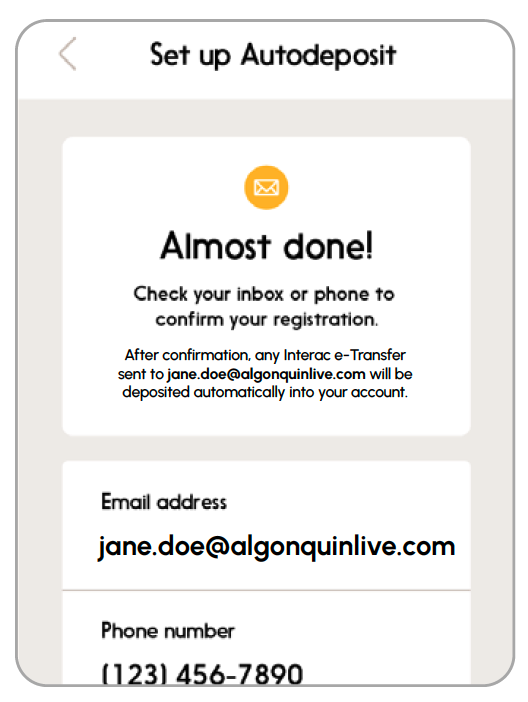
Sometimes, the College needs to send you money, like when you win a bursary, scholarship, award, or if you’re owed a refund. We want you to get your cash as quickly and easily as possible. That’s why we recommend setting up Interac e-Transfer Autodeposit with your Algonquin College email. It’s the fastest and simplest way to get paid by the College.
Fast. Easy. Secure.
We are working with Flywire to automate tuition refunds and bursary payments through Interac e-Transfer.
What you’ll need
- A bank account at a participating Canadian financial institution.
- Access to your bank’s online or mobile banking app.
- Your @algonquinlive.com student email.
How to set up Autodeposit
A step-by-step guide to setting up Autodeposit in minutes.
Step 1
Sign in to your online or mobile banking app.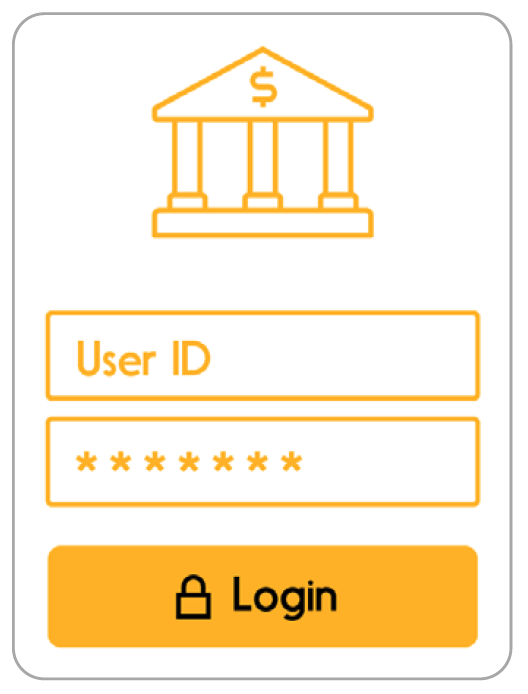
Step 2
Go to the Interac e-Transfer section. Select Autodeposit or Manage Autodeposit Settings.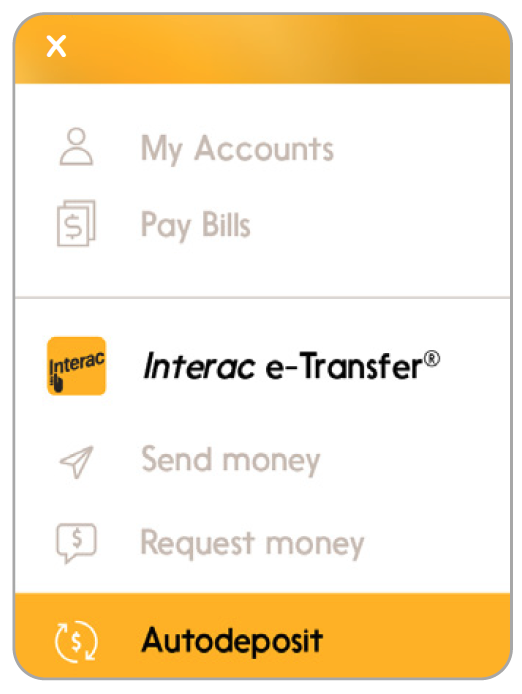
Step 3
Add your Algonquin College email address (e.g., jane.doe@algonquinlive.com). Link it to your chosen bank account.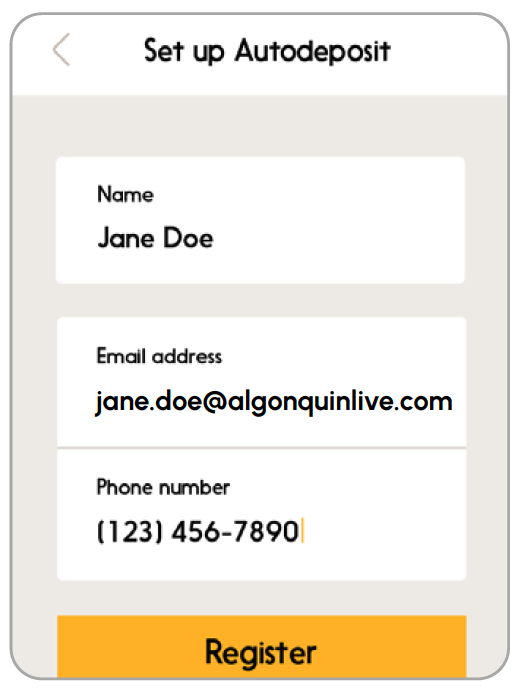
Step 4
Complete the 3DS authentication (your bank may prompt you to confirm your identity).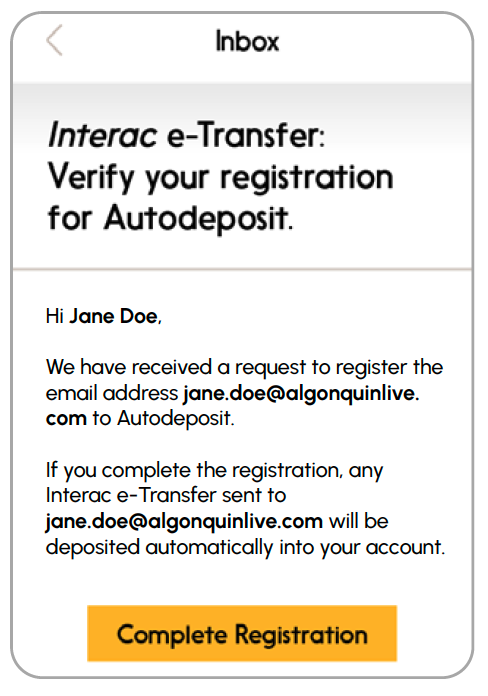
Step 5
Click “Complete Registration” and you are done. Any payments the College sends you will now go directly into your bank account.