Algonquin’s Approved Generative AI Tools
Microsoft Copilot
Faculty are encouraged to use Algonquin’s paid license for Microsoft Copilot Chat.
Log into https://copilot.microsoft.com/ with your Algonquin username and password.
Data entered into Algonquin’s MS Copilot is private to the college and is not used to train the AI model.
Students can also log into and use Algonquin’s Copilot Chat.
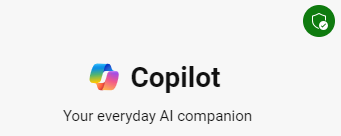
IMPORTANT: To use Algonquin’s approved version of Copilot, you need to log in with your college username and password.
If you are not logged in, you may be using the public, not private version of Copilot.
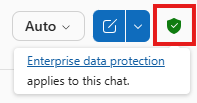
When logged into Algonquin’s Copilot, you will see a green shield icon.
Lumi Chat
Lumi Chat is a Brightspace virtual assistant that allows you to ask help questions from within your Brightspace course. Click on the speech bubbles to start your chat.
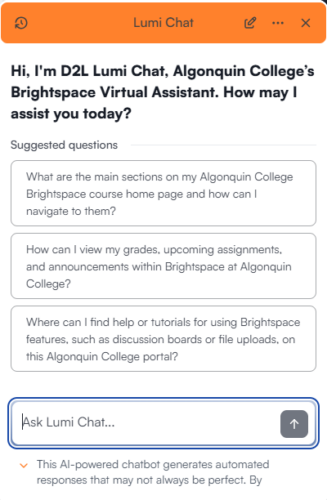
Image Generation
Microsoft Copilot
Algonquin’s Microsoft Copilot license allows you to create images.
Adobe Express
Algonquin College offers all faculty and staff access to Adobe Express. This program includes a Generative AI image creation tool.
Learn how to access your Adobe Express license.
Responsible Use of AI at Algonquin
Review Algonquin’s common practices that apply to all faculty, staff and students at Algonquin.
Responsible Use of AI at Algonquin